Desktop AR App · Live Tabletop

Show up as your characters.

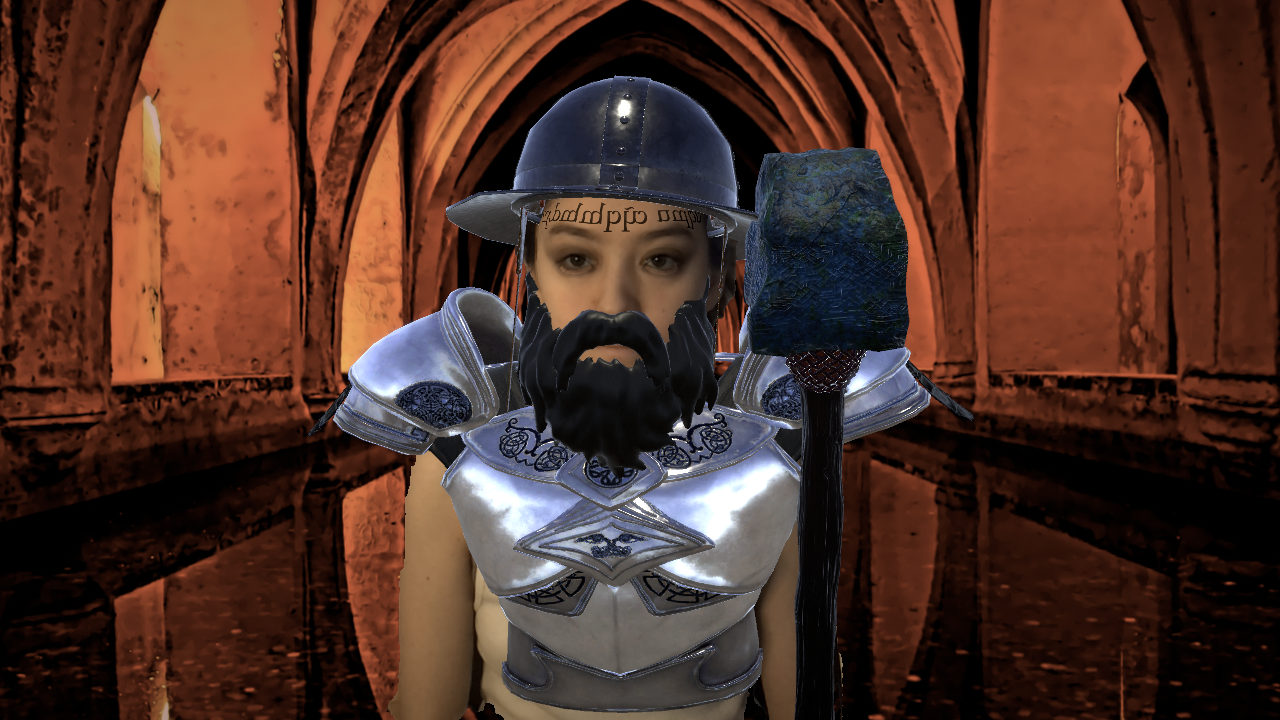
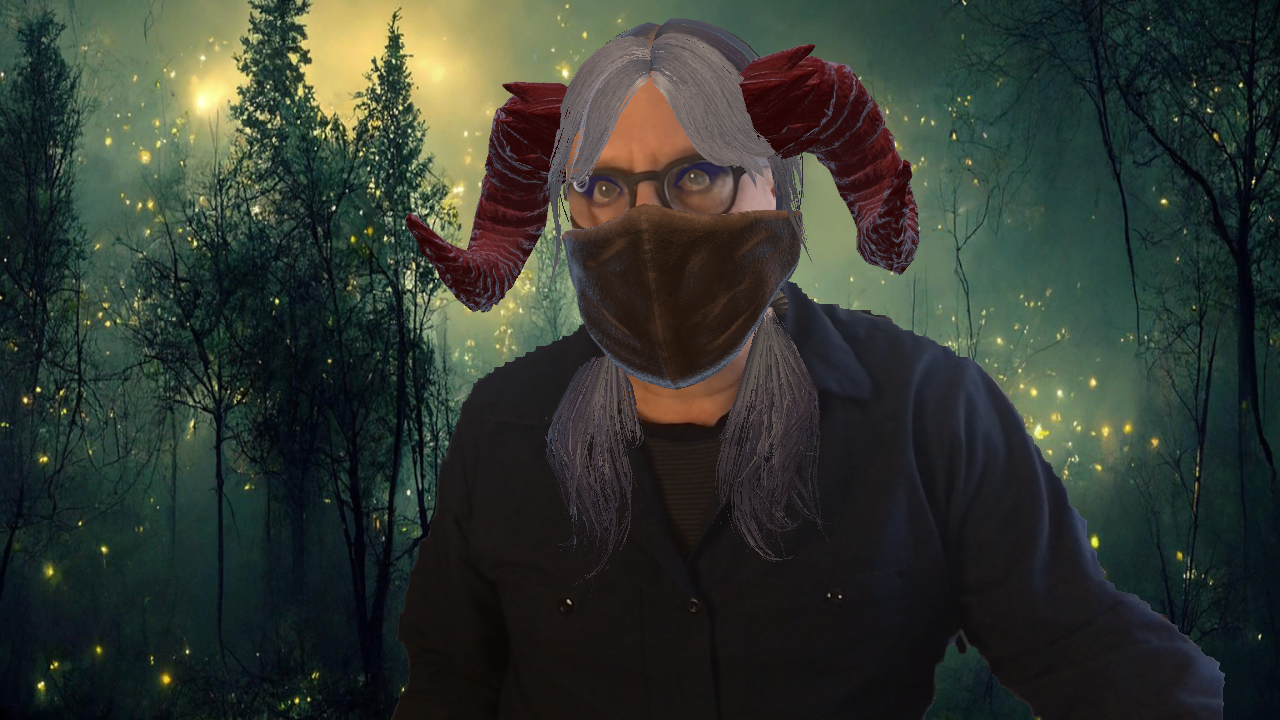
Faes AR is a desktop AR app that lets Game Masters, players, and live performers bring their characters, NPCs, and the world around them onto their live webcam feed.

Shape who you are, what you wear, and where you are. Show your face or wear a mask; you stay present on camera either way. Save each character as a preset, switch mid-scene, and bring it back every session, in Discord, OBS, Zoom, or anything that takes a webcam.

One-Time · Lifetime Updates · No Subscription · No AI
Works with Discord OBS Zoom Google Meet Twitch
EQUIPPED RAW
The Gap

Everything at the online table got an upgrade. Except the webcam.

Online TTRPG has come a long way. Maps render beautifully. Soundscapes play on cue. VTTs handle initiative, fog of war, and dice. The toolkit for running a session online is genuinely good now.

Turning cameras on adds what a voice channel can't: faces, reactions, and a clear sense of who's speaking. But very little has been built to use the webcam for more than a talking-head feed.

Faes AR fills that gap. It runs alongside your VTT, your maps, and your soundscapes, and turns the webcam into part of the scene.

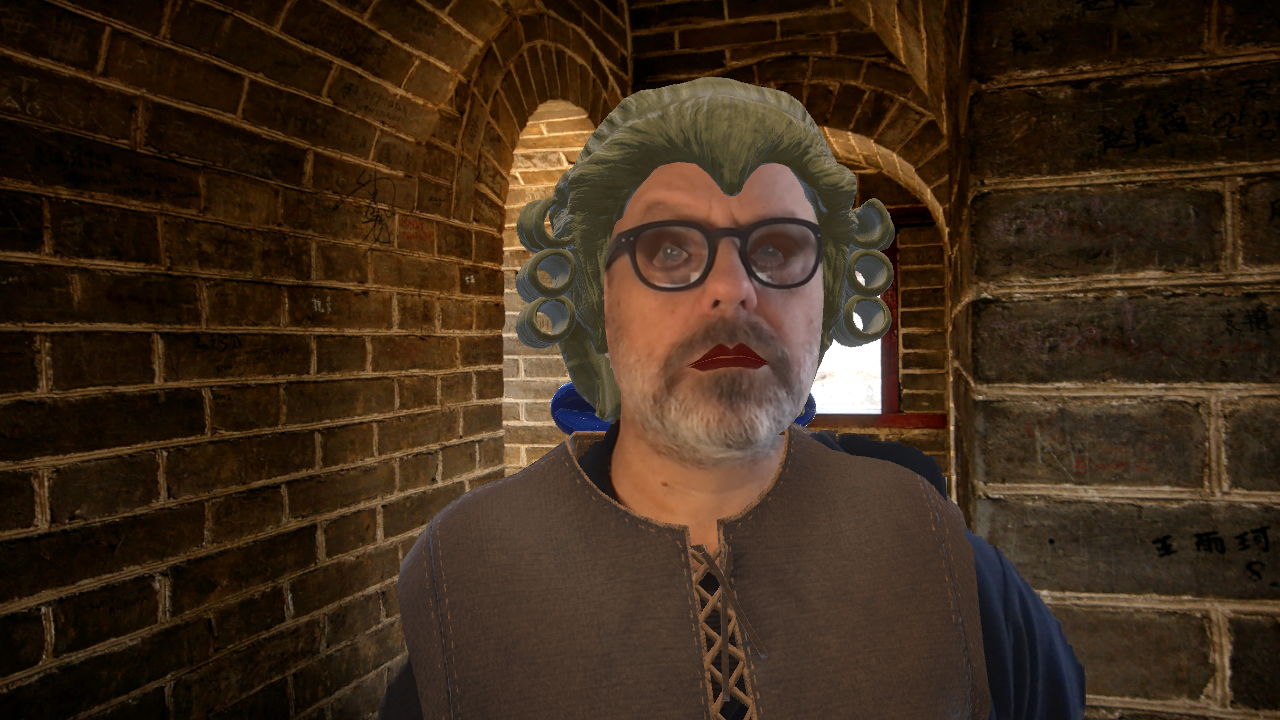
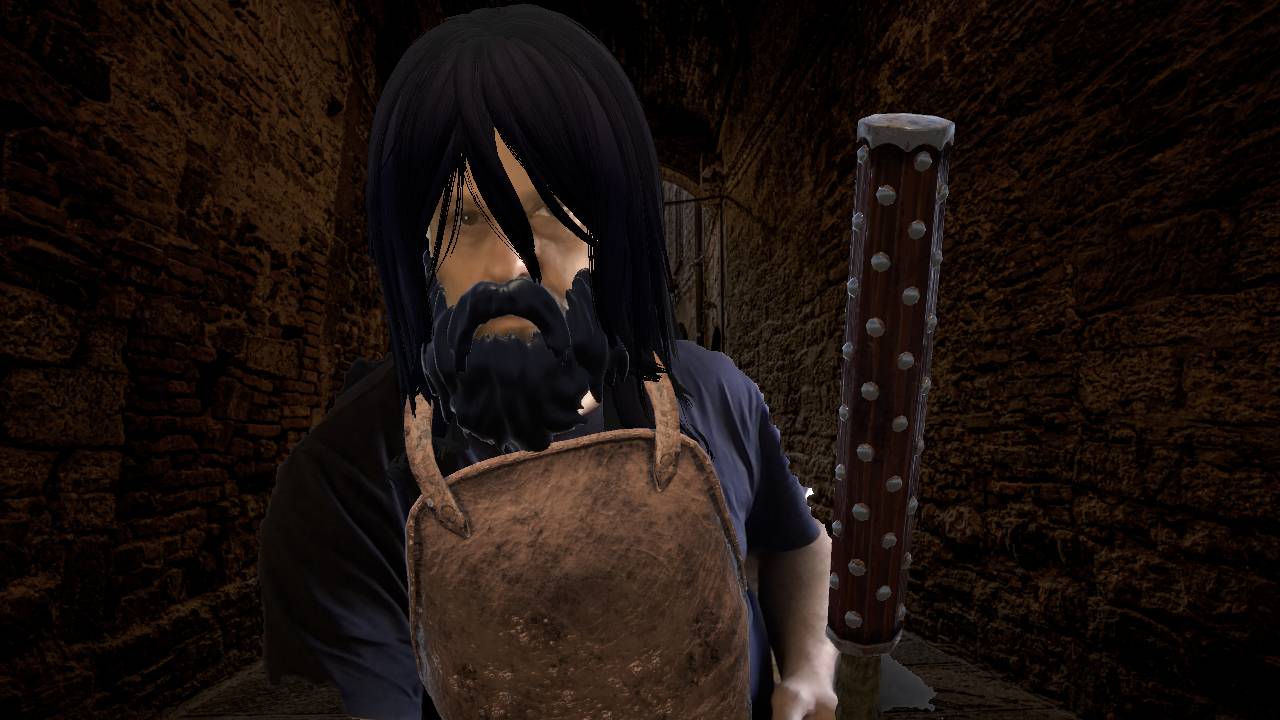
Faes AR running live. Characters, scenes, and NPC switching across Discord, OBS, Zoom, and any webcam-input app.
How GMs and Players Use It

One app. Four distinct ways to play.

GM Portrayal
GM Character Portrayal

How do GMs portray their characters on camera?

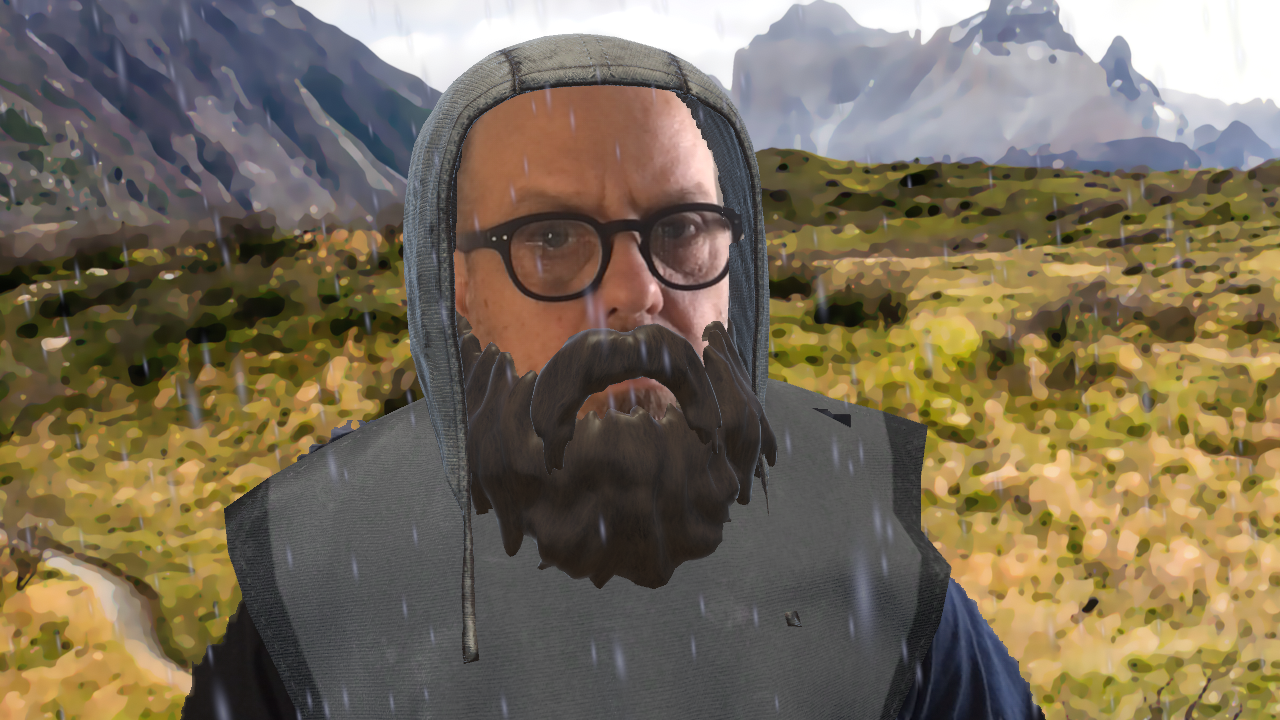
Layer outfits, gear, and effects onto your live webcam feed to build your GM look. Save it as a preset, and it's ready at the start of every session.

NPC Switching · Live
Herdsman NPC Herdsman
Official NPC Official
Thug NPC Thug
NPC Switching

How do GMs switch between NPCs in a live session?

Build a preset for each major NPC. When the scene shifts, load the next preset. Players see the change in real time and can visually anchor who is speaking.
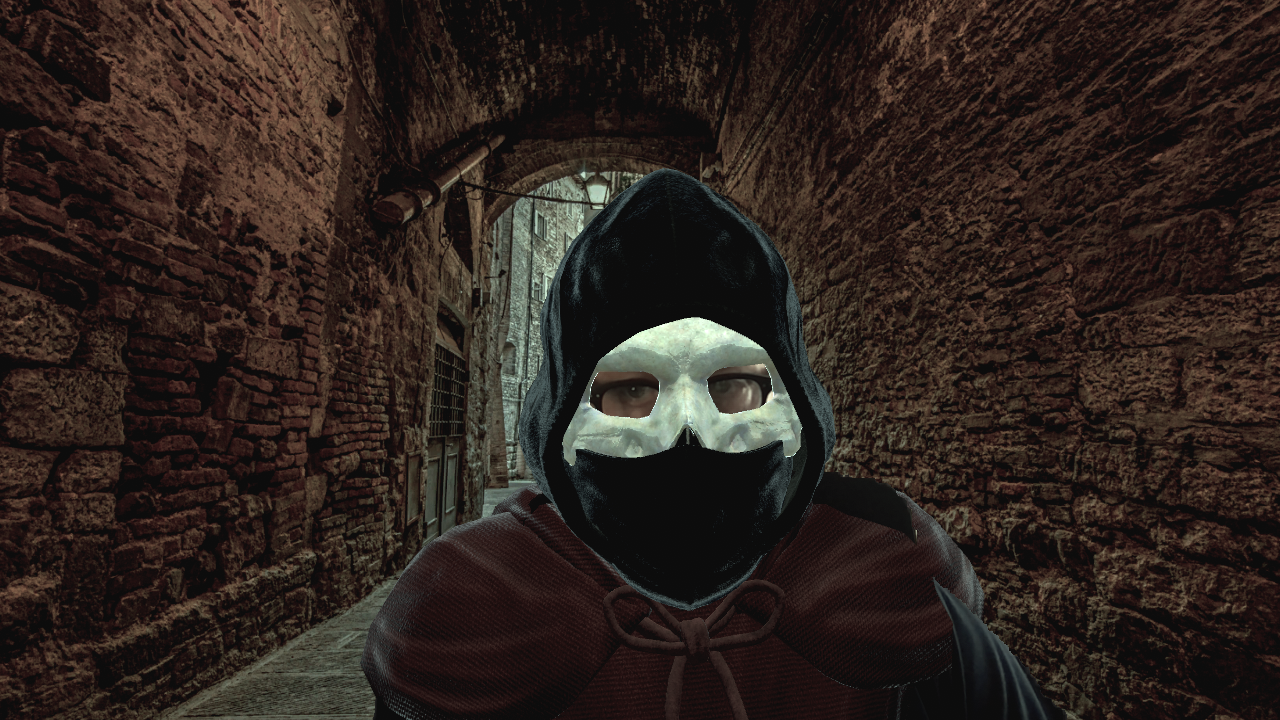
Privacy · Mask Mode
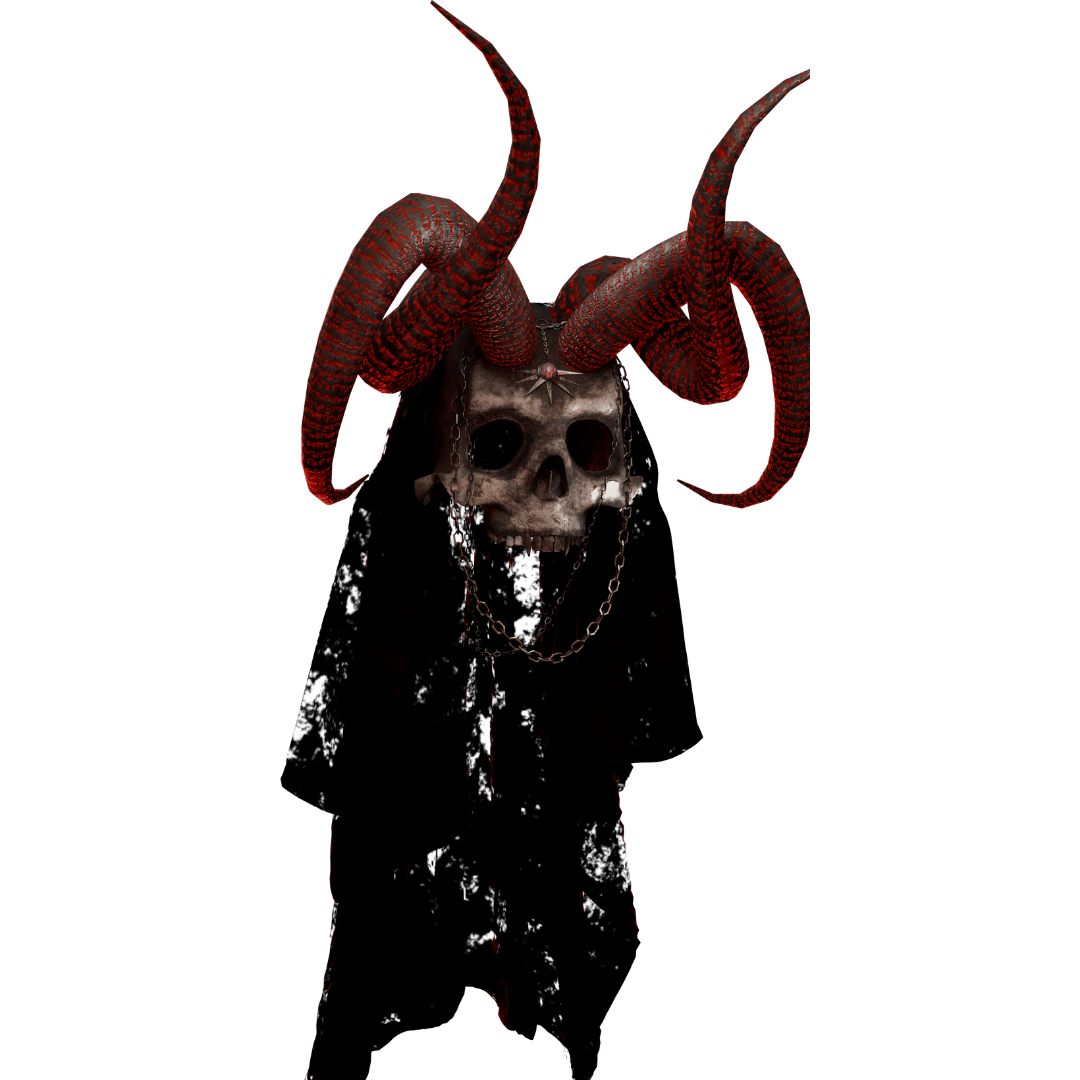
Hooded Skull Hooded Skull
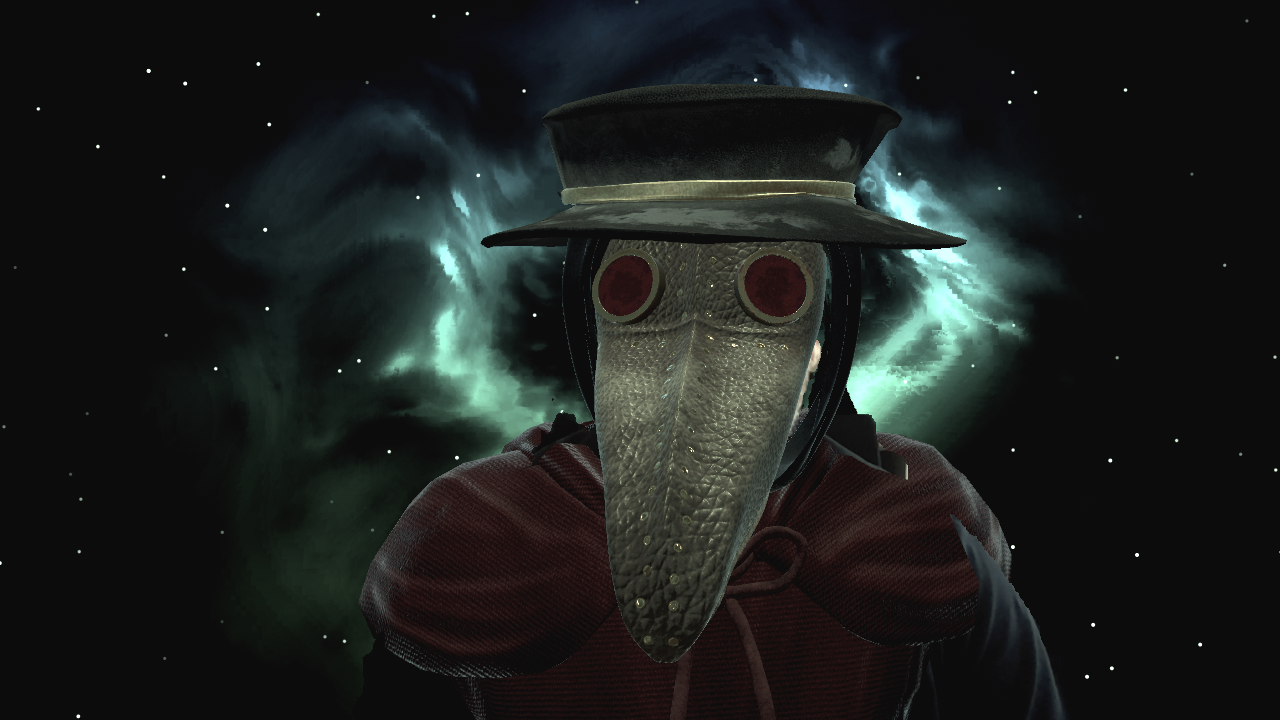
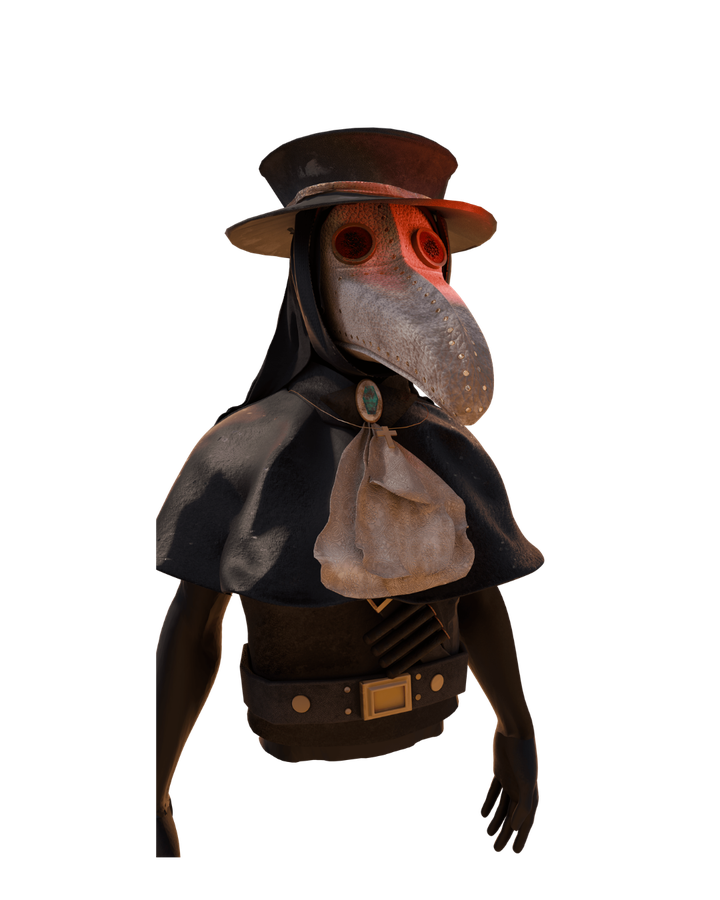
Plague Doctor Plague Doctor
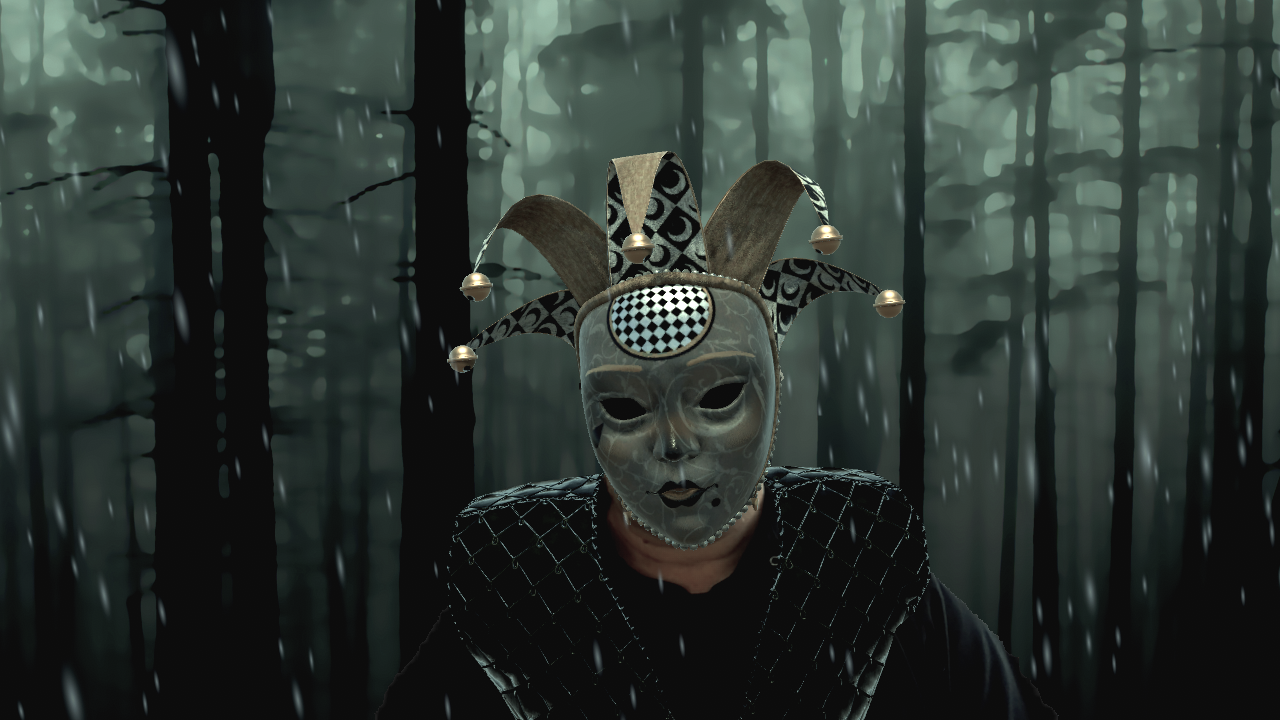
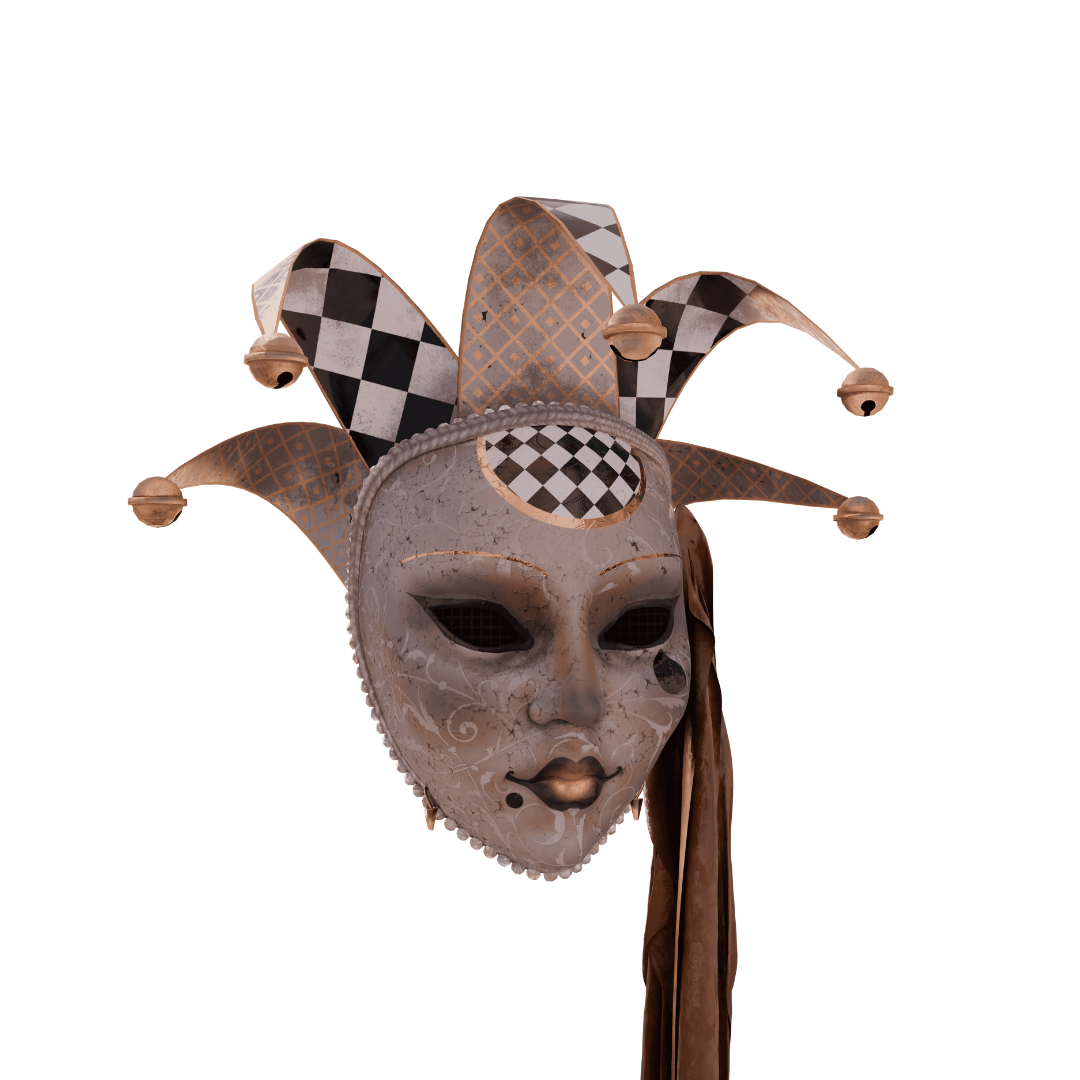
Venetian Venetian
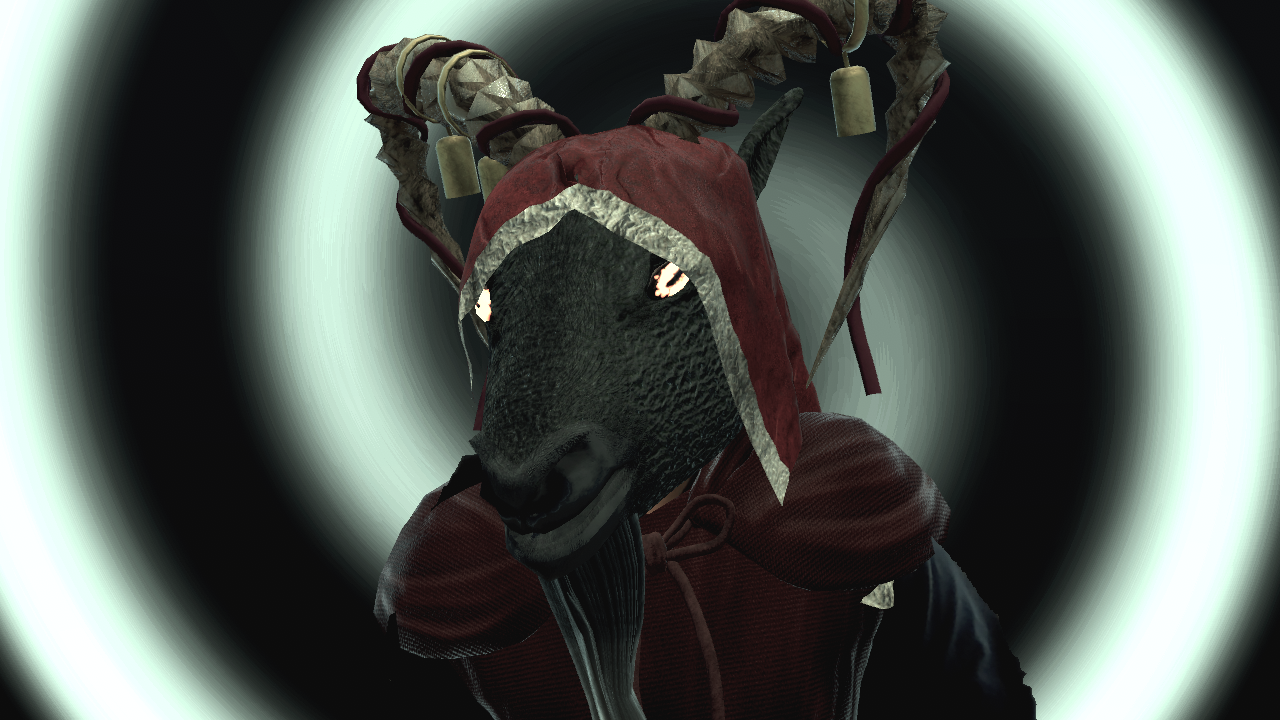
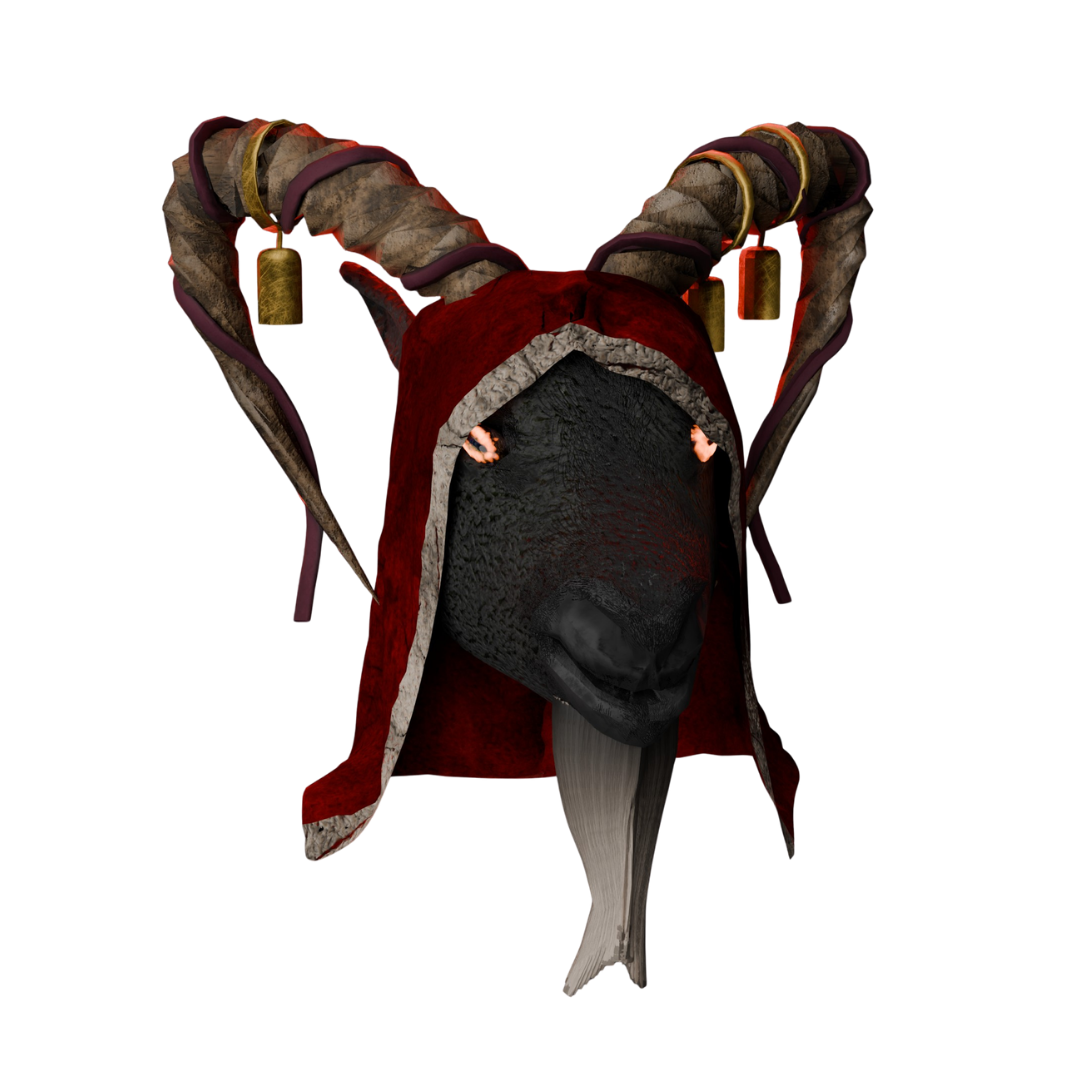
Krampus Krampus
Privacy / Mask Mode

How do GMs and players keep privacy on a live webcam?

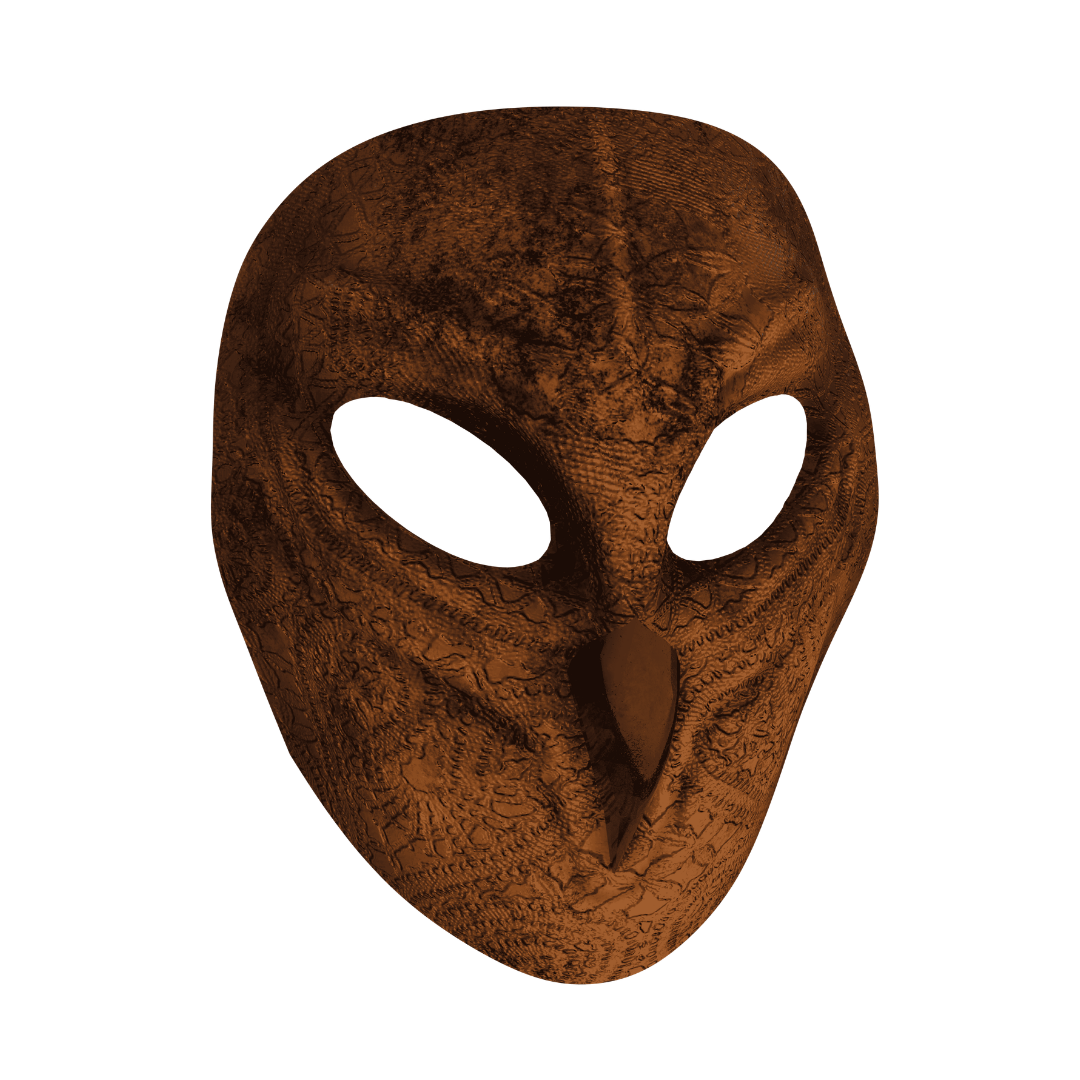
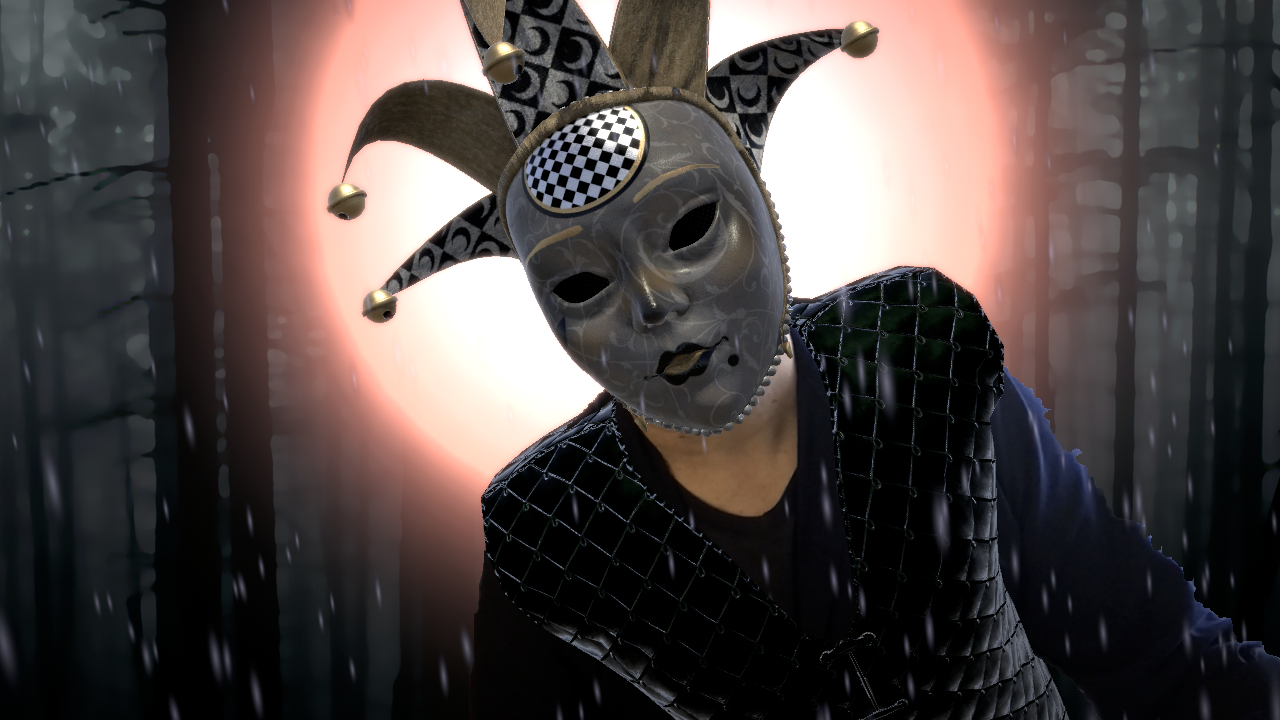
Faes AR mask assets let you remain physically present on camera. Your movement and voice remain yours while the mask conceals your identity.
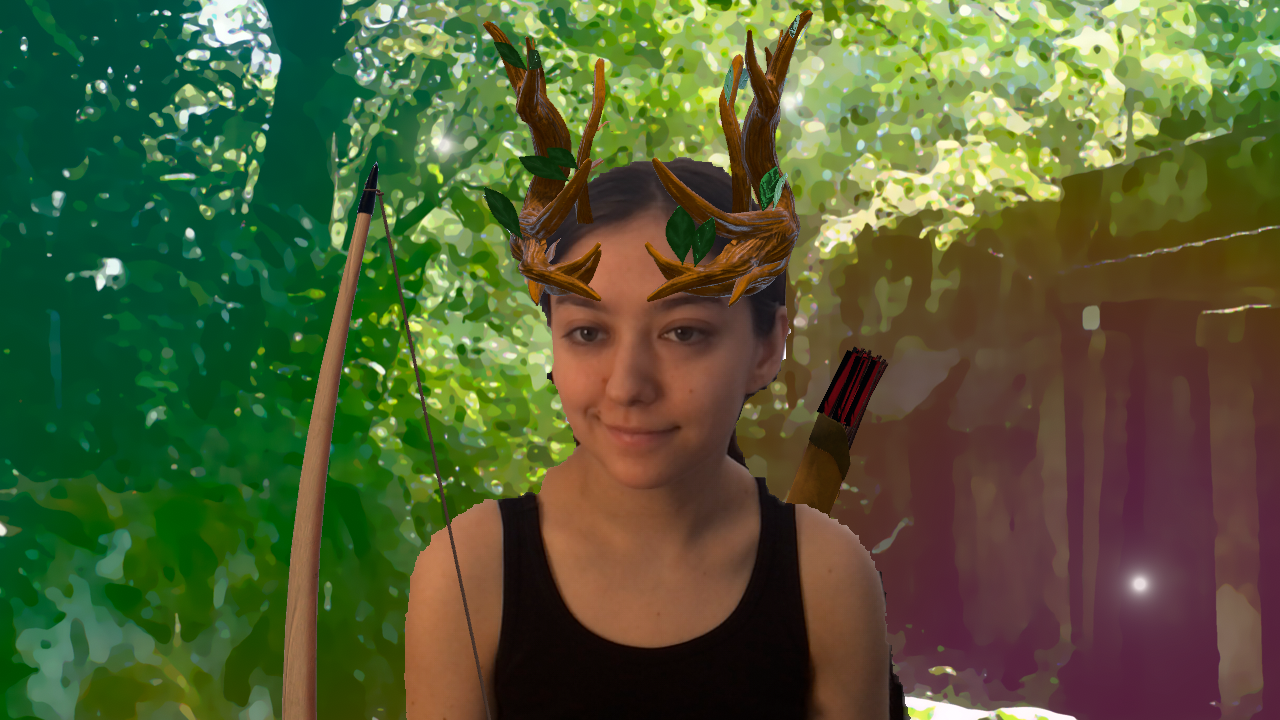
Your Table · Discord
Fae Ranger Kira · Ranger
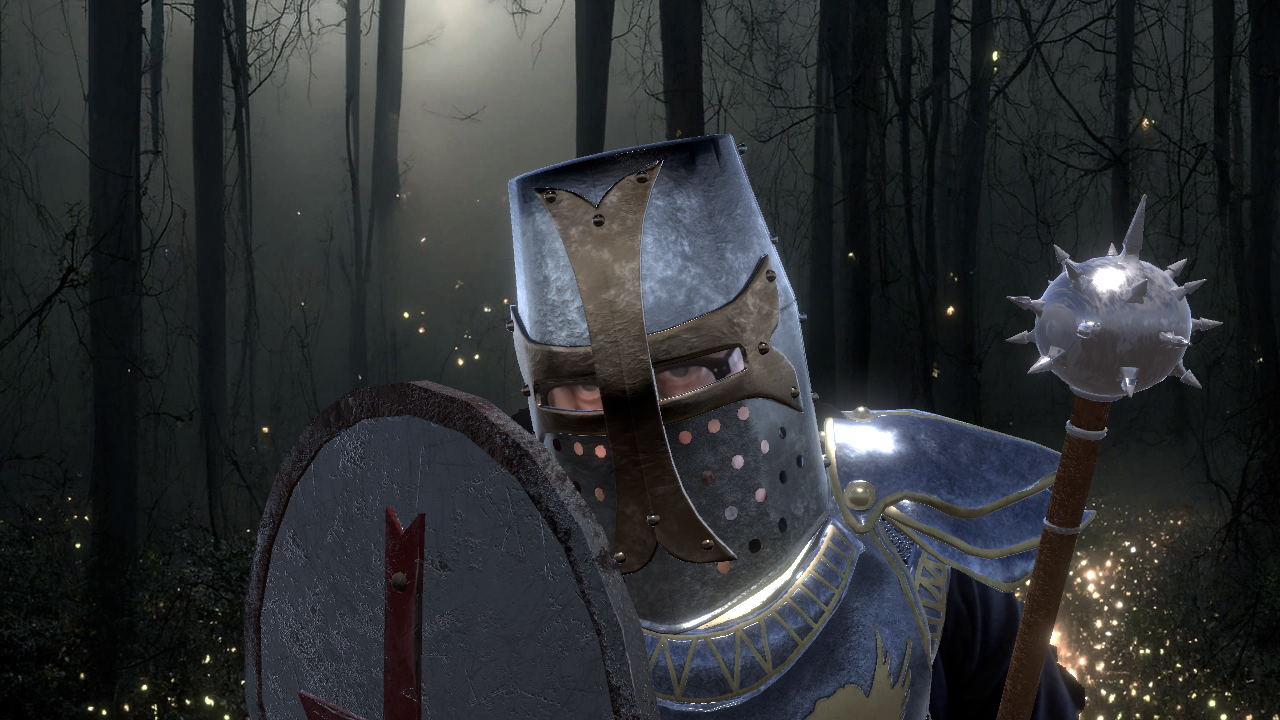
Templar Vex · Templar
Cleric Rook · Cleric
Fae Horns Iona · Fae
Player Identity

How do players show up as their character?

Every person at the table can author their own character look. Visual identity reinforces roleplay continuity across the whole session.

Asset Library

Gear you can wear

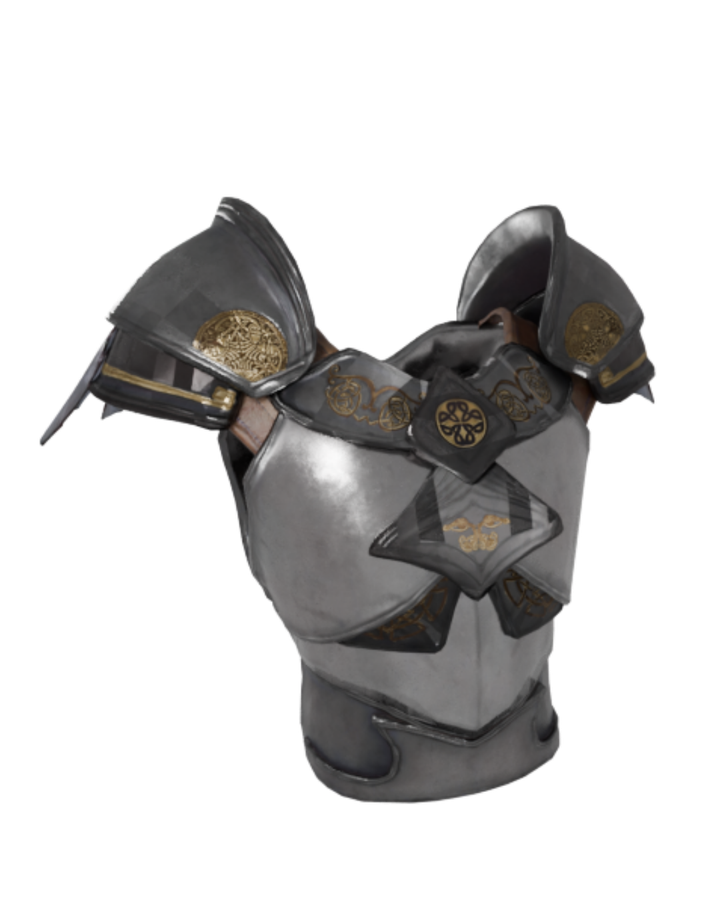
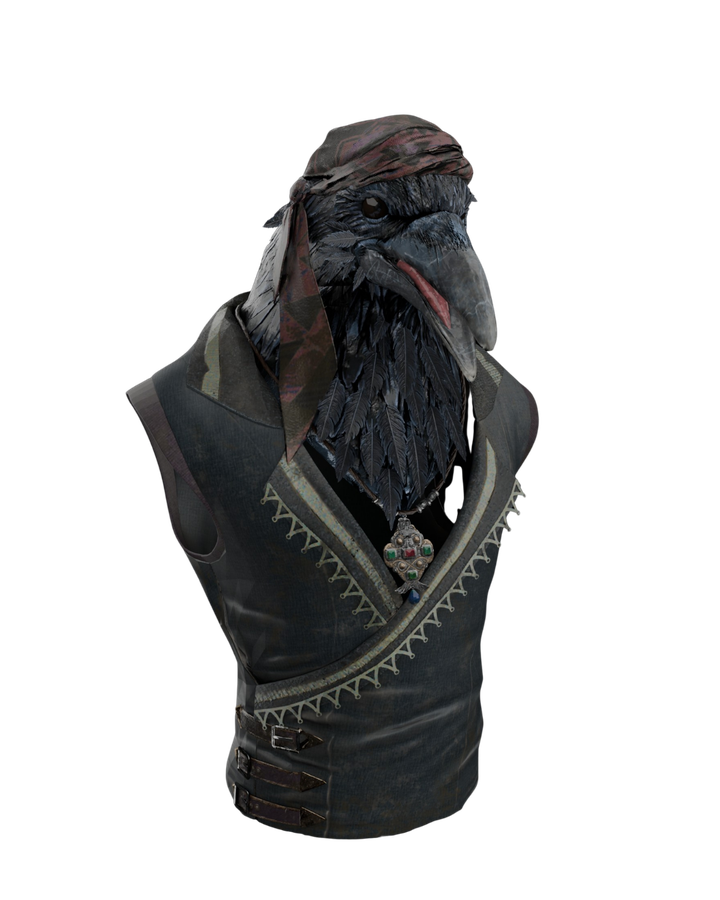
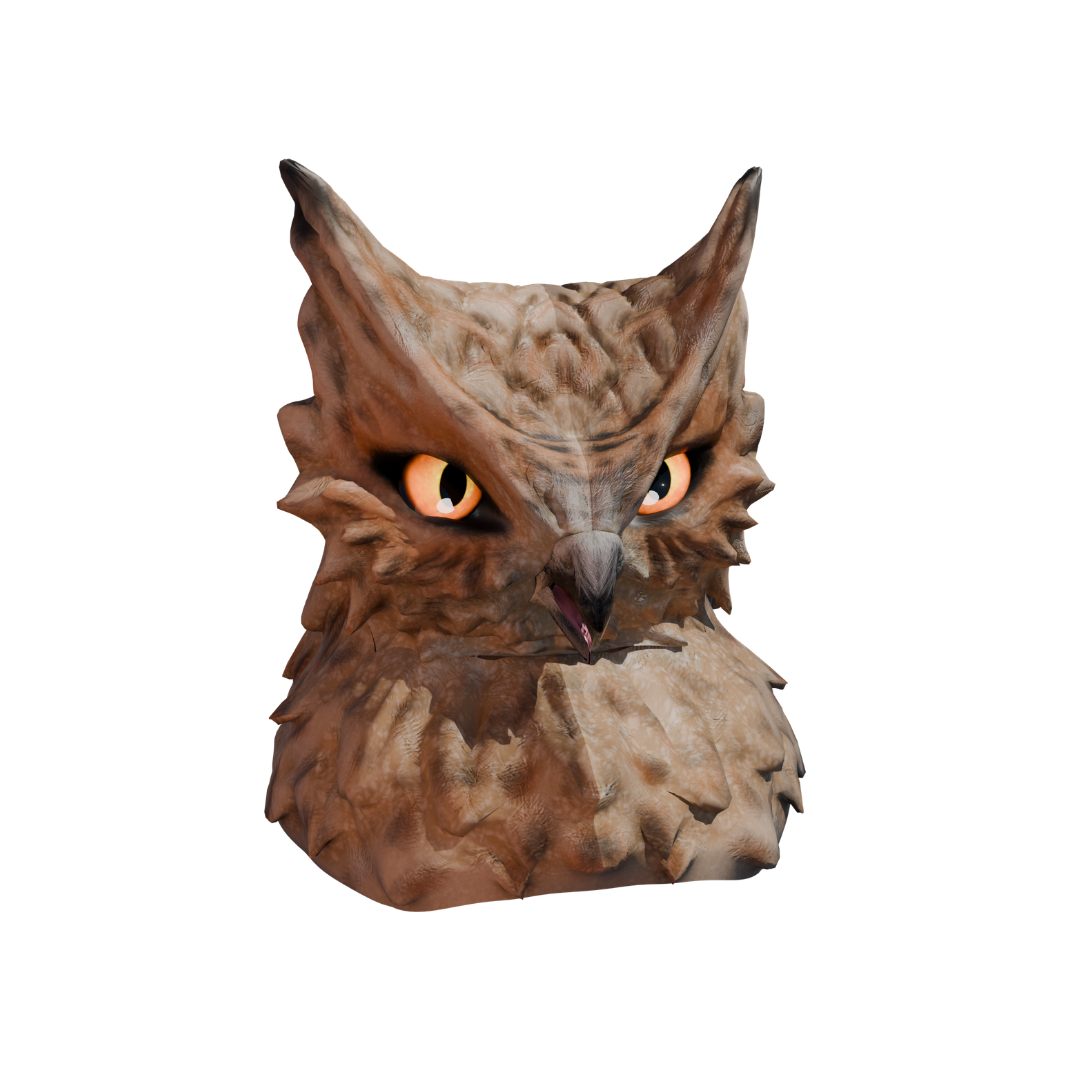
Hundreds of hand-crafted outfits, masks, helms, handheld items and features. One face, many characters.
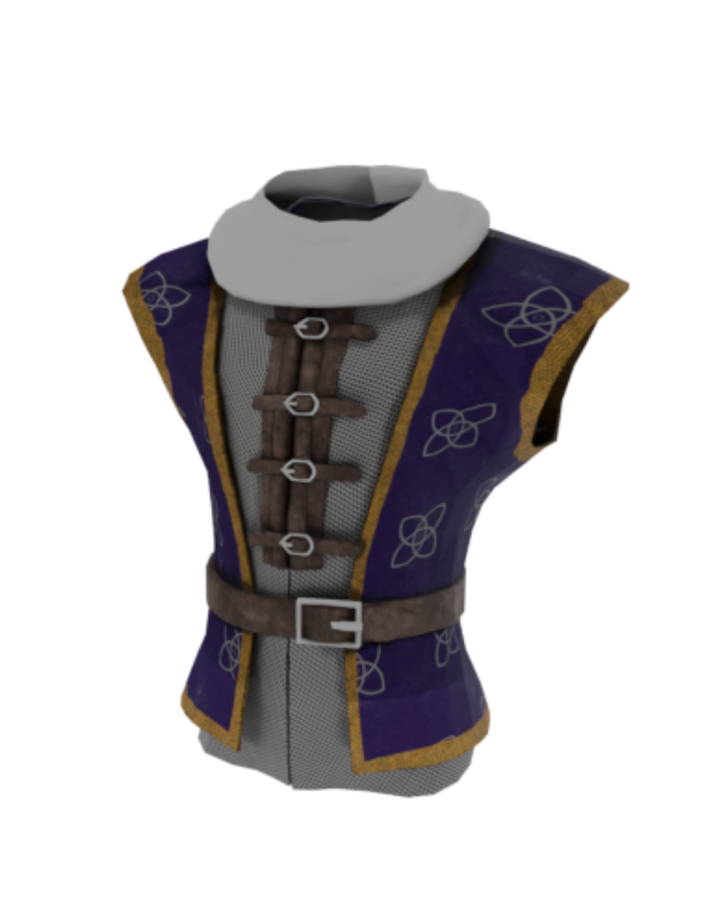
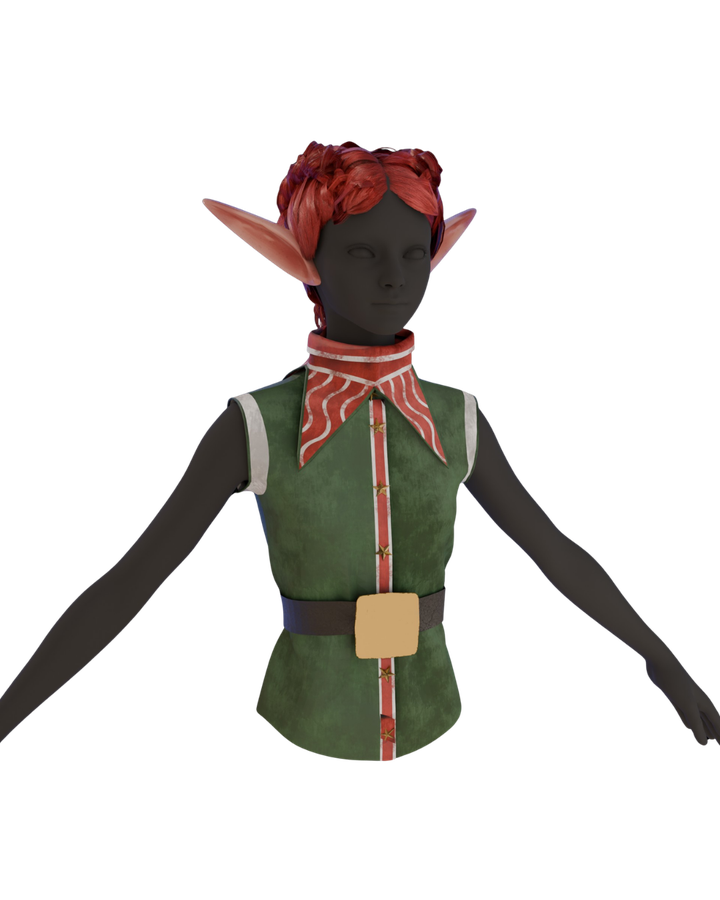
  • Cleric
  • Elf
  • Holy Armor
  • Magiloy
  • Plague Doctor
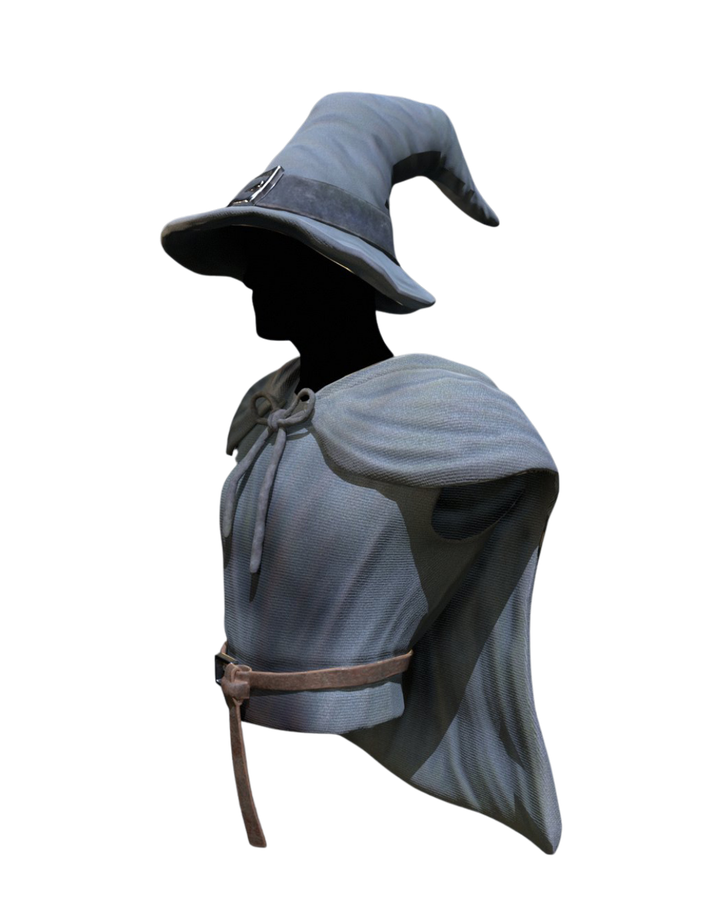
  • Wizard
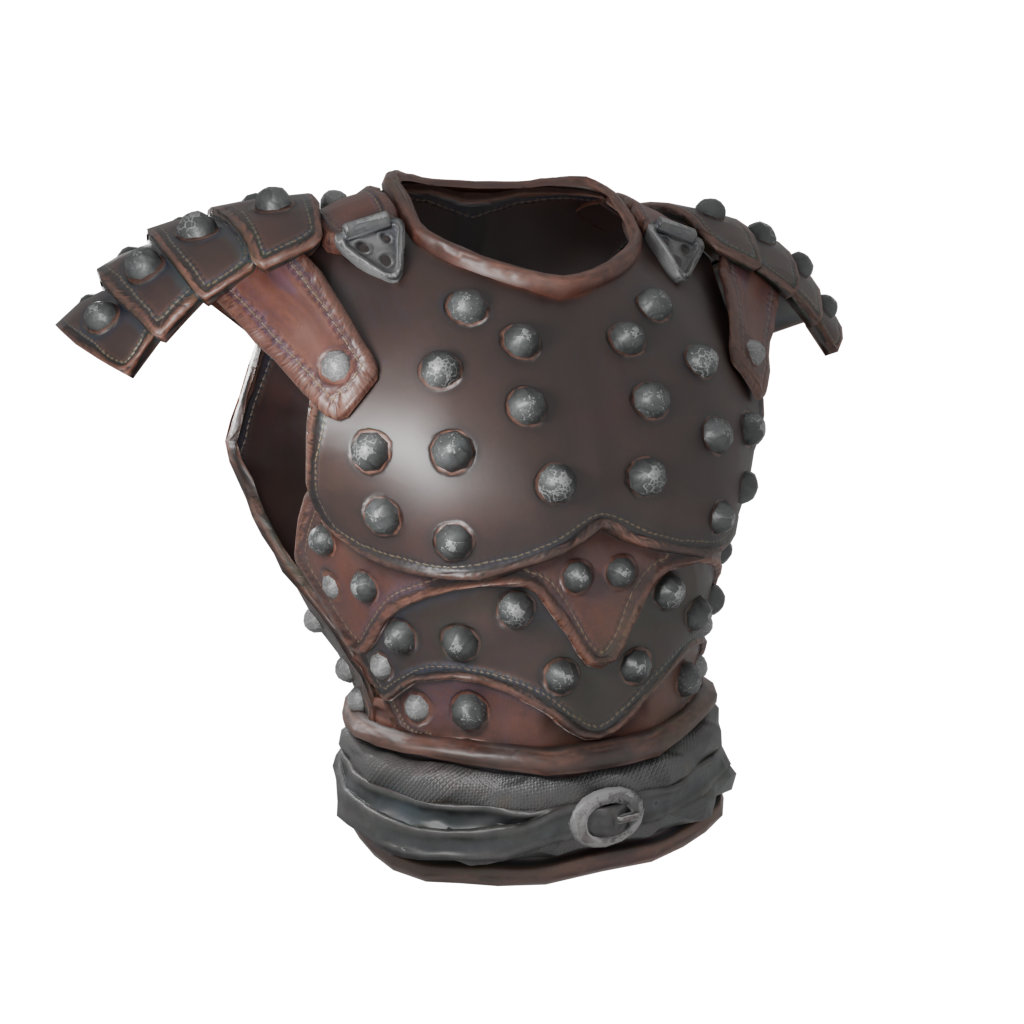
  • Leather Armor
Outfits & Armor Plate · Chain · Cloth · Leather
  • Venetian
  • Bird
  • Owl
  • Skull
  • Krampus
Masks Privacy · Identity
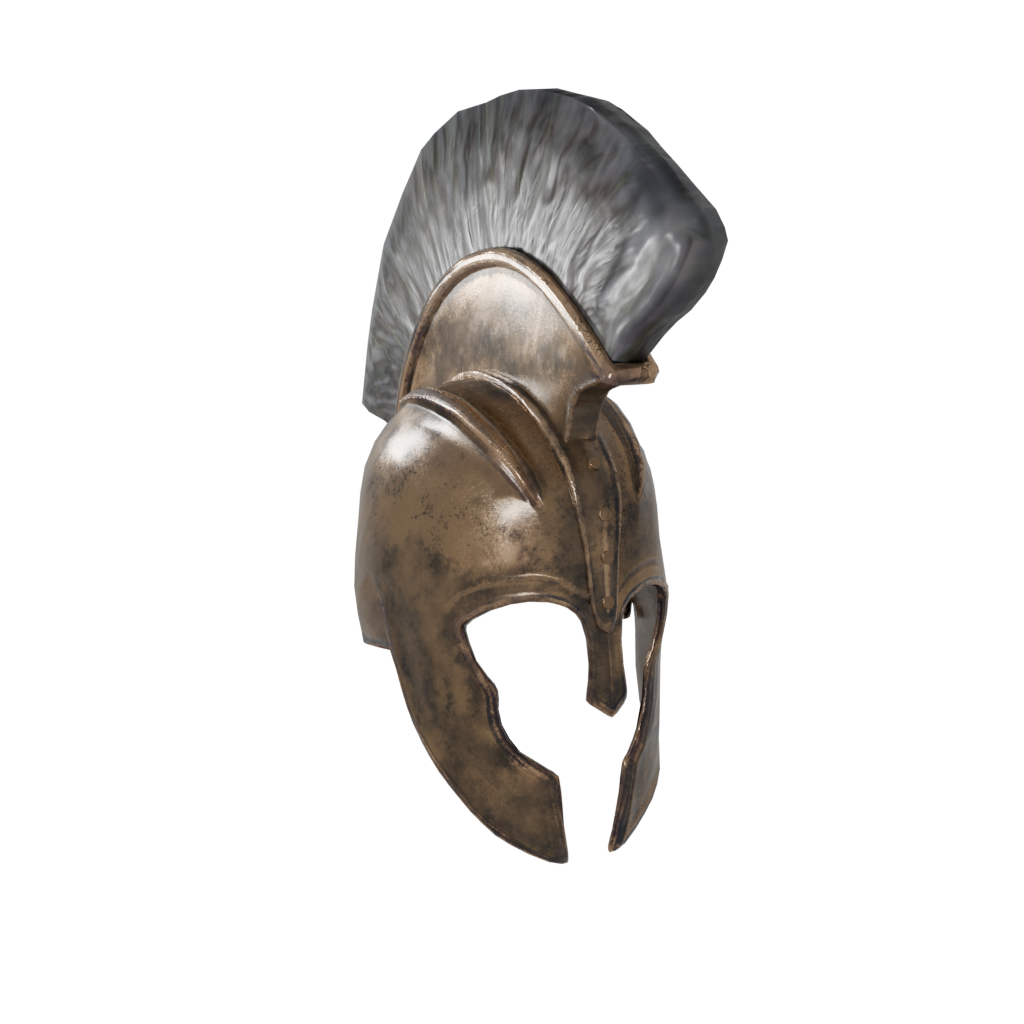
  • Trojan Helm
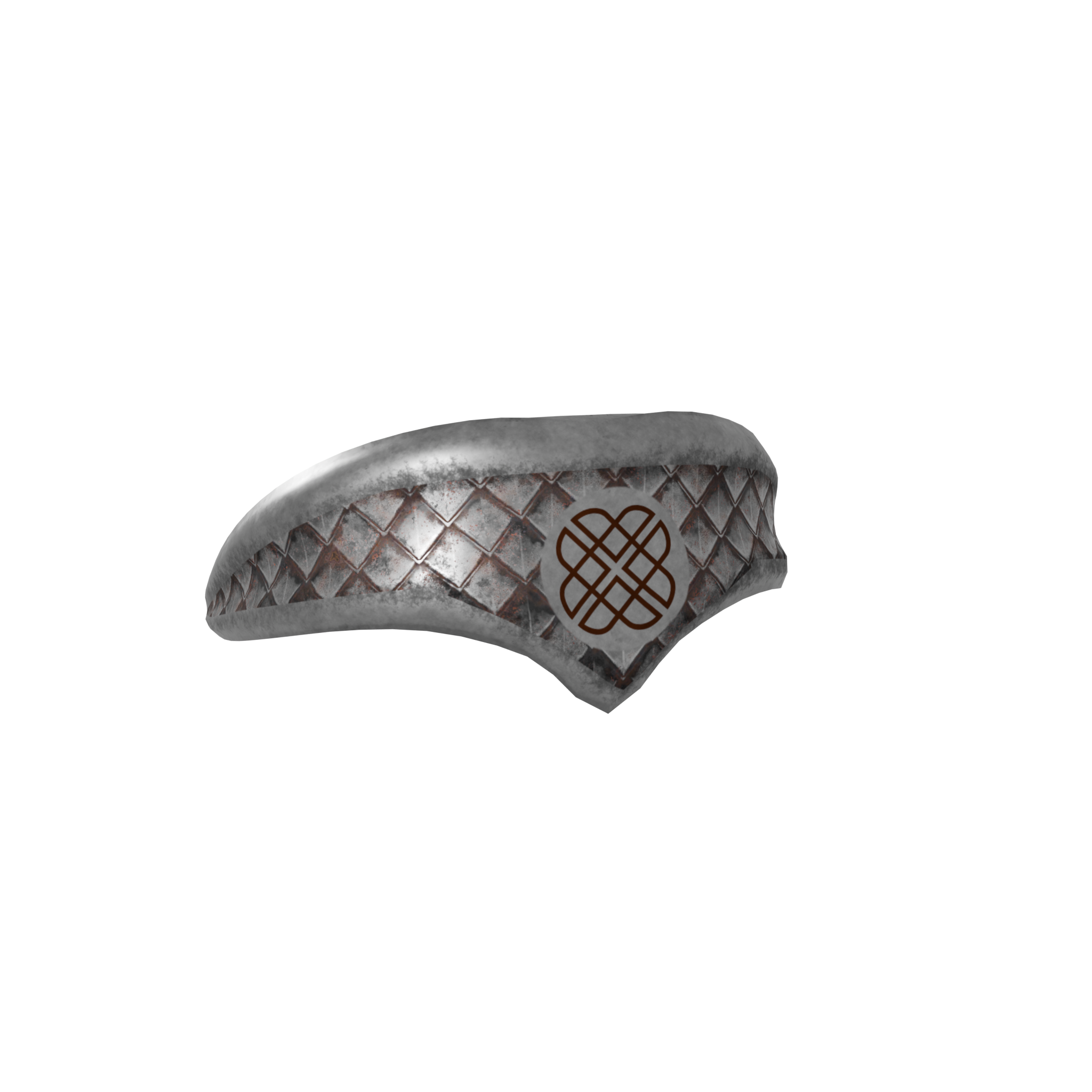
  • Barbarian Headband
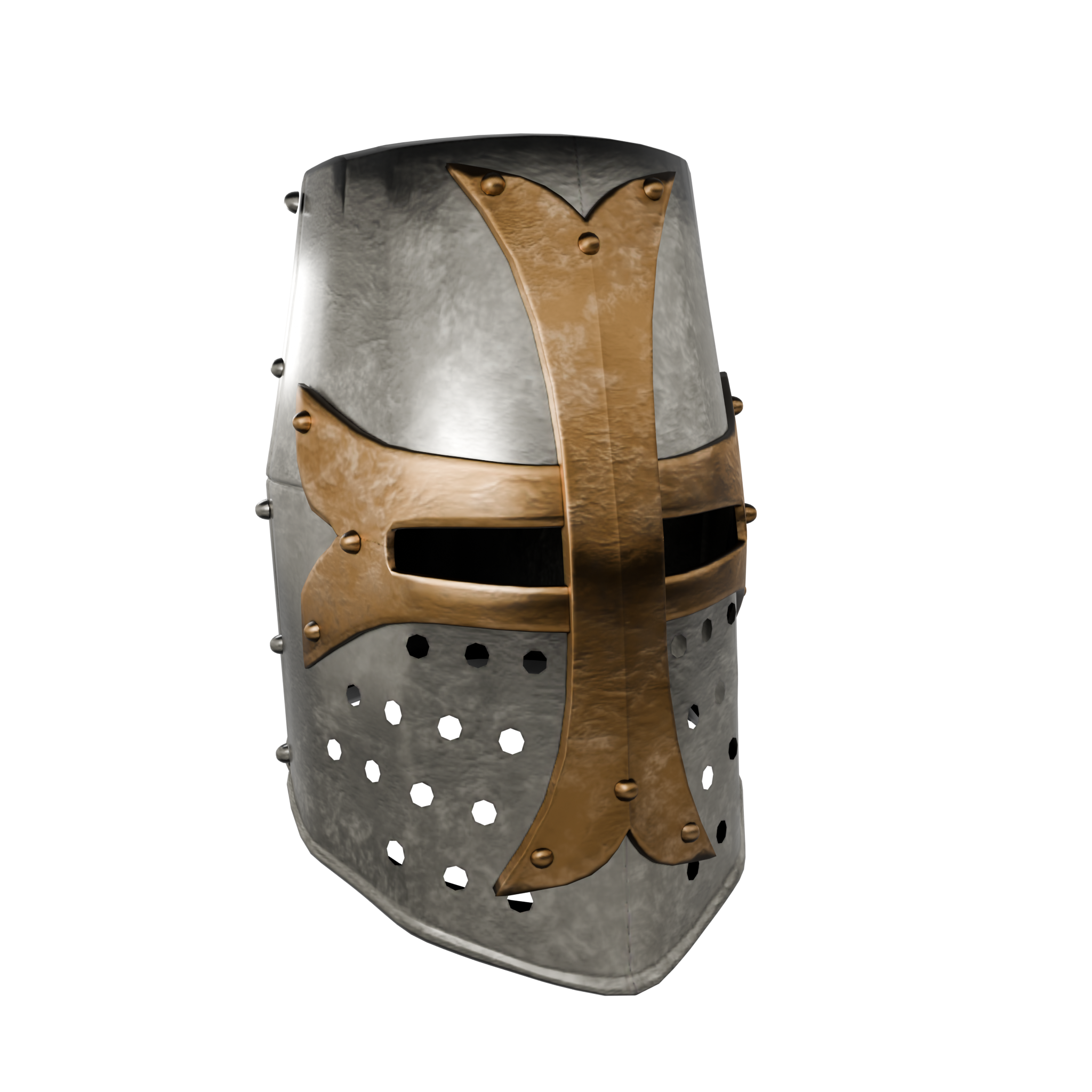
  • Templar Helm
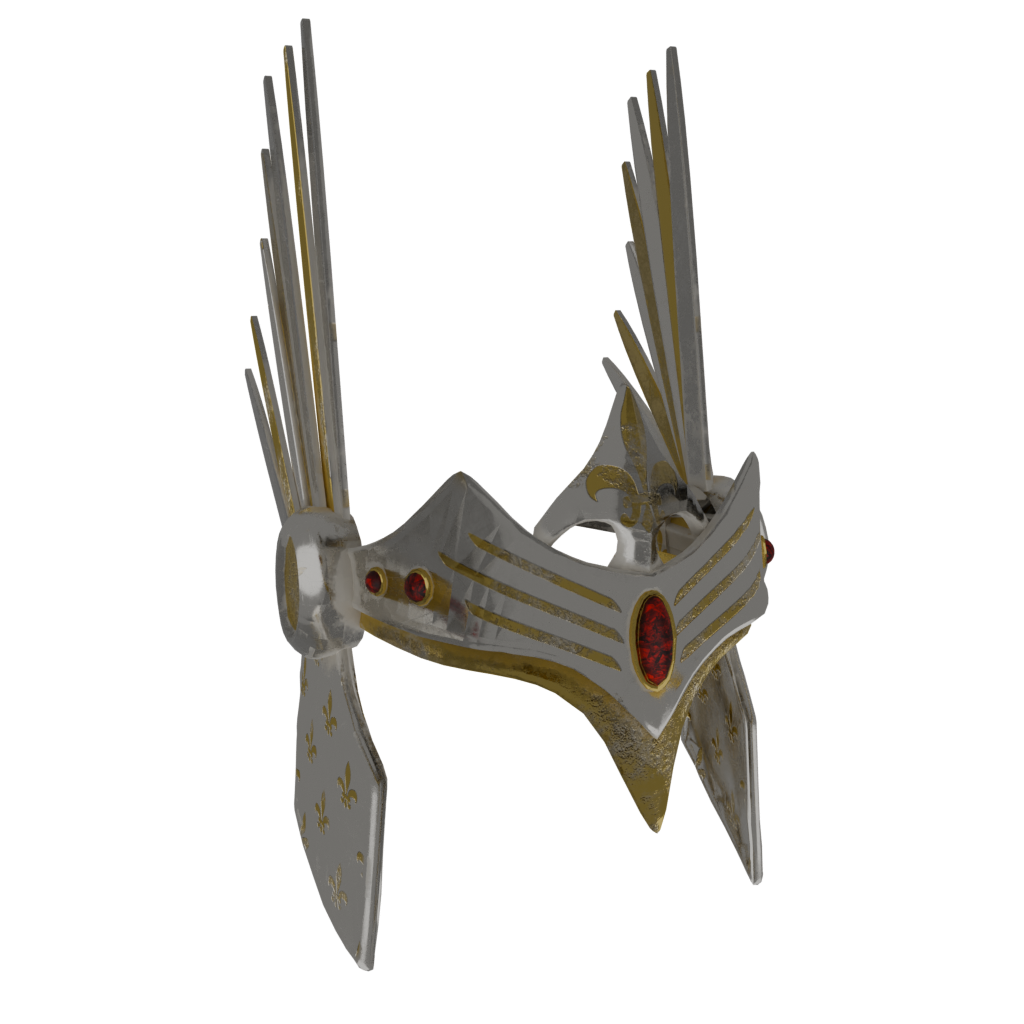
  • Holy Helm
Helms & Hats Crowns · Helms · Caps
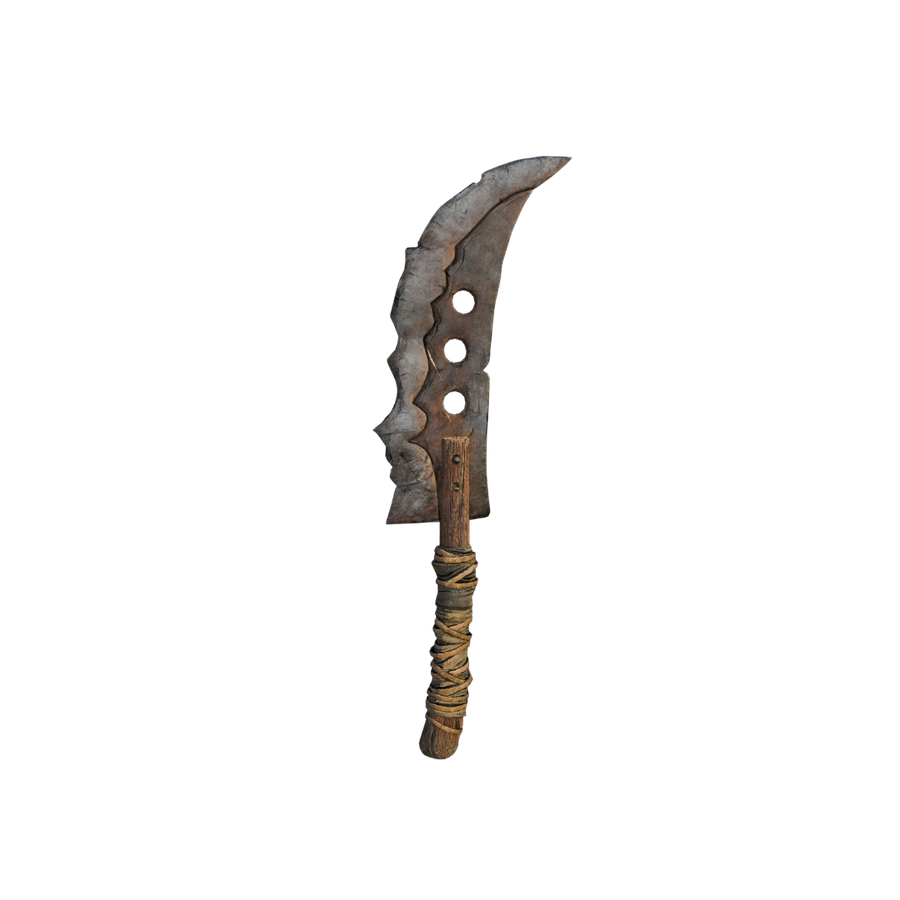
  • Dog Slicer
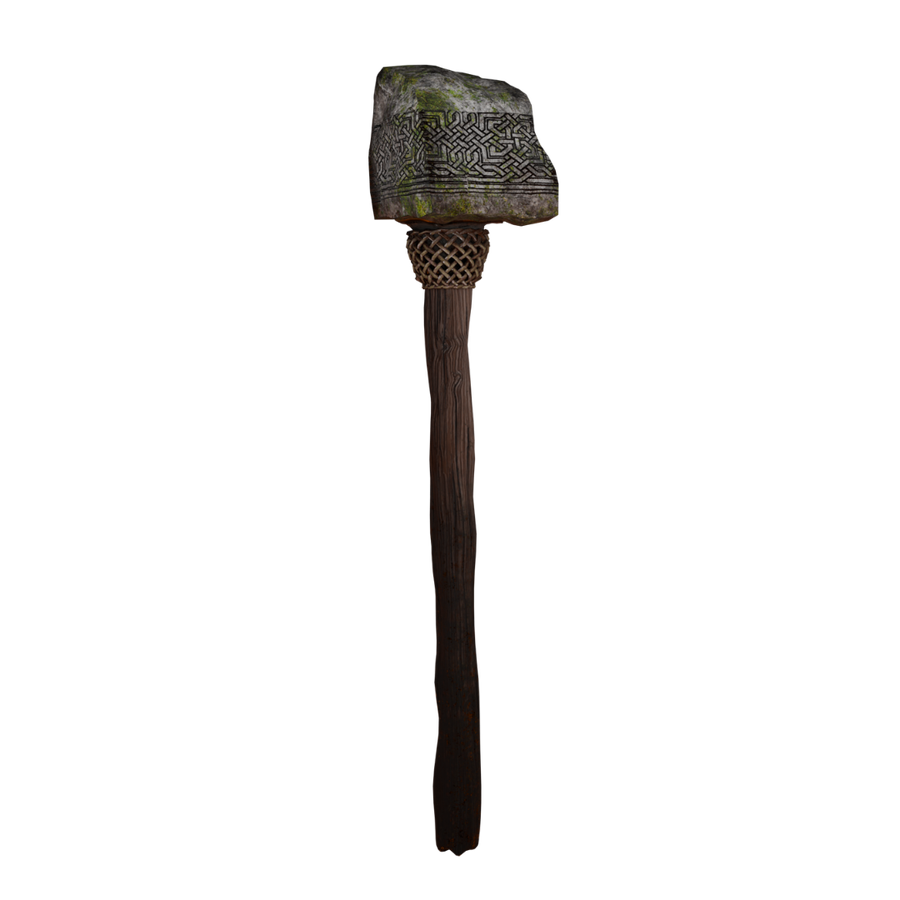
  • Dwarven Hammer
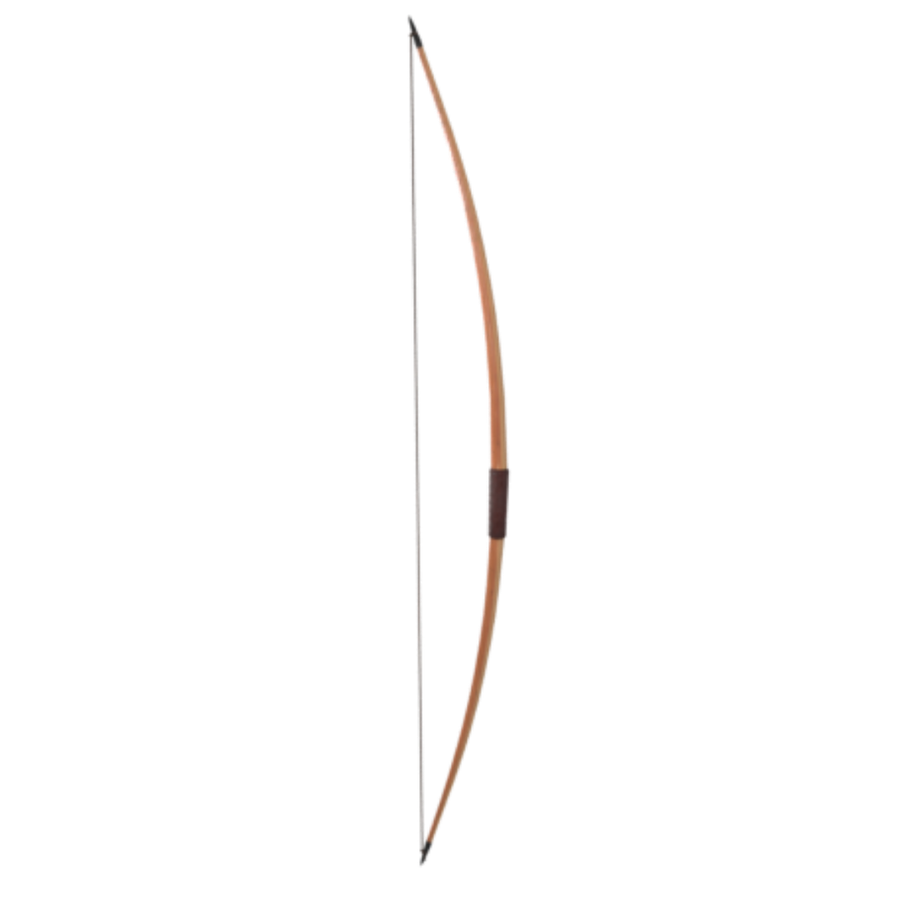
  • English Longbow
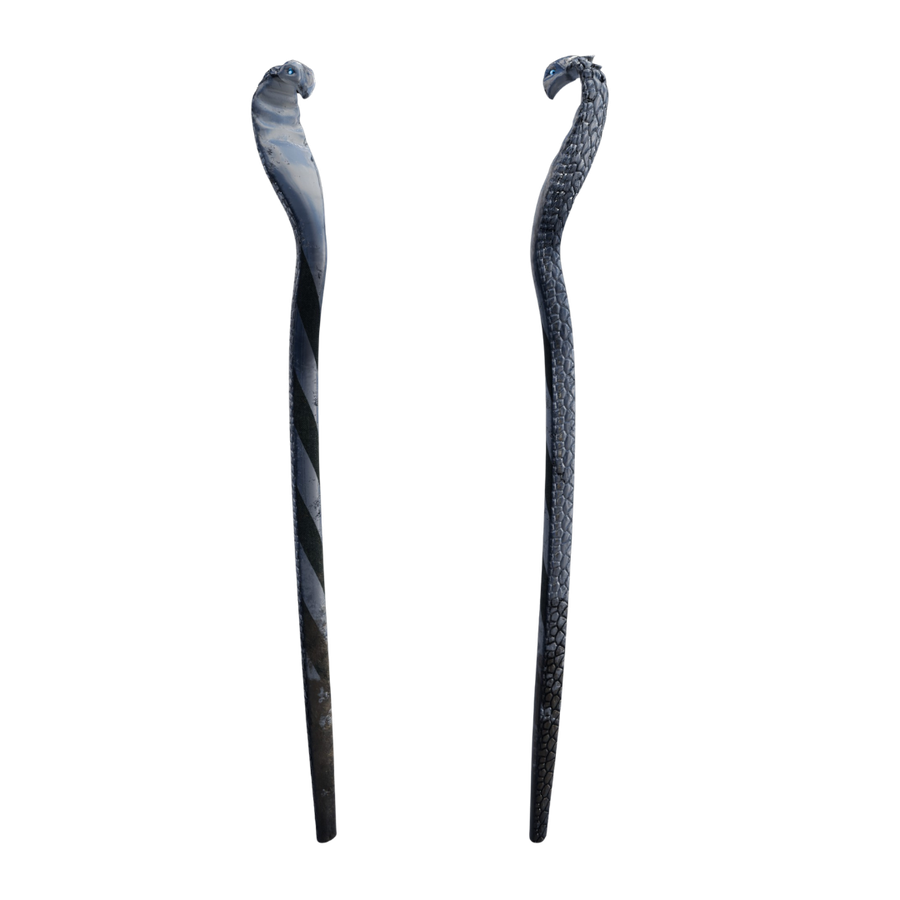
  • Ezren Staff
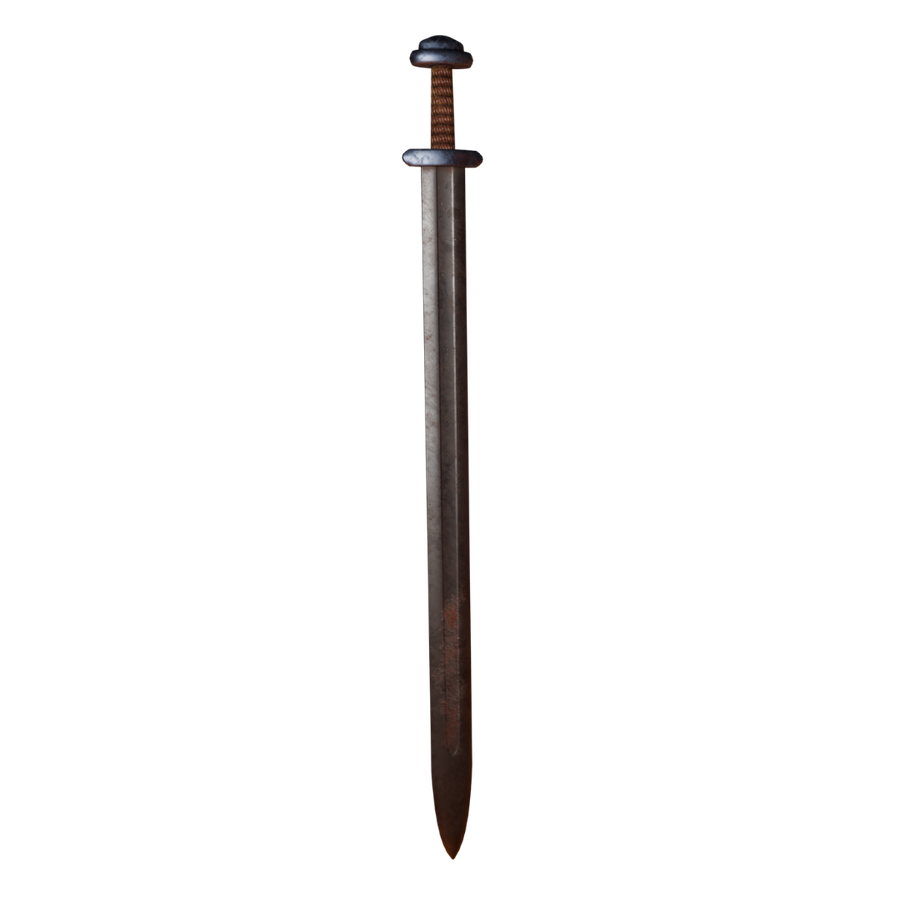
  • Long Sword
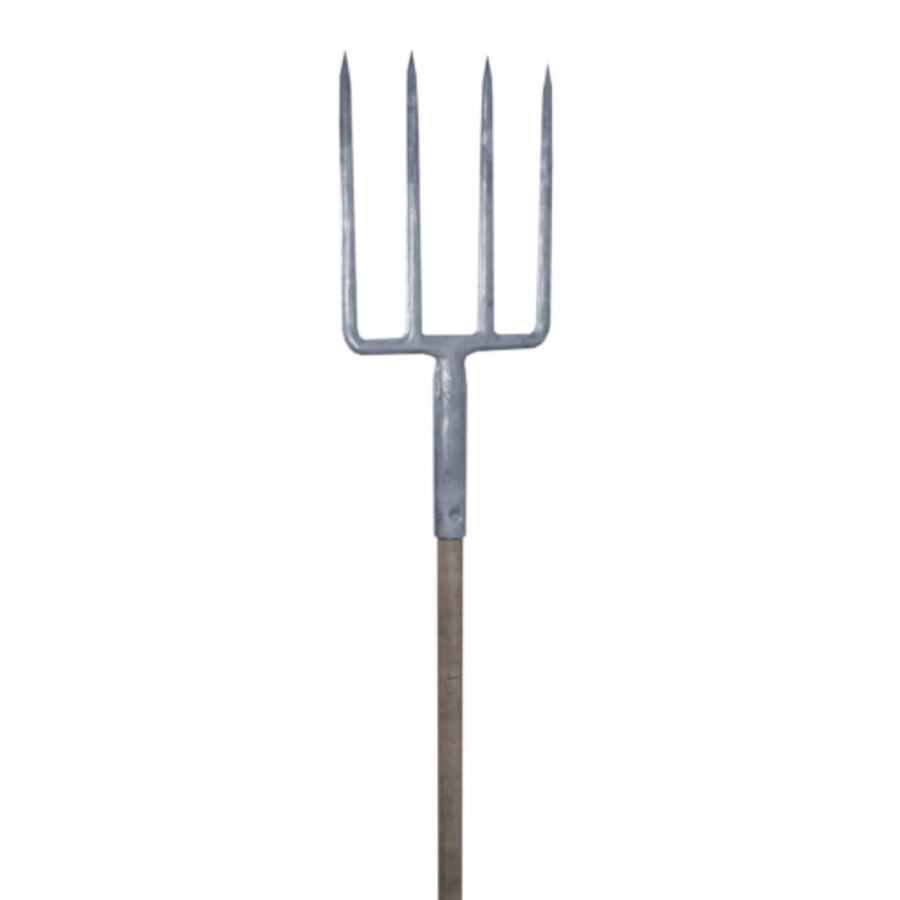
  • Pitchfork
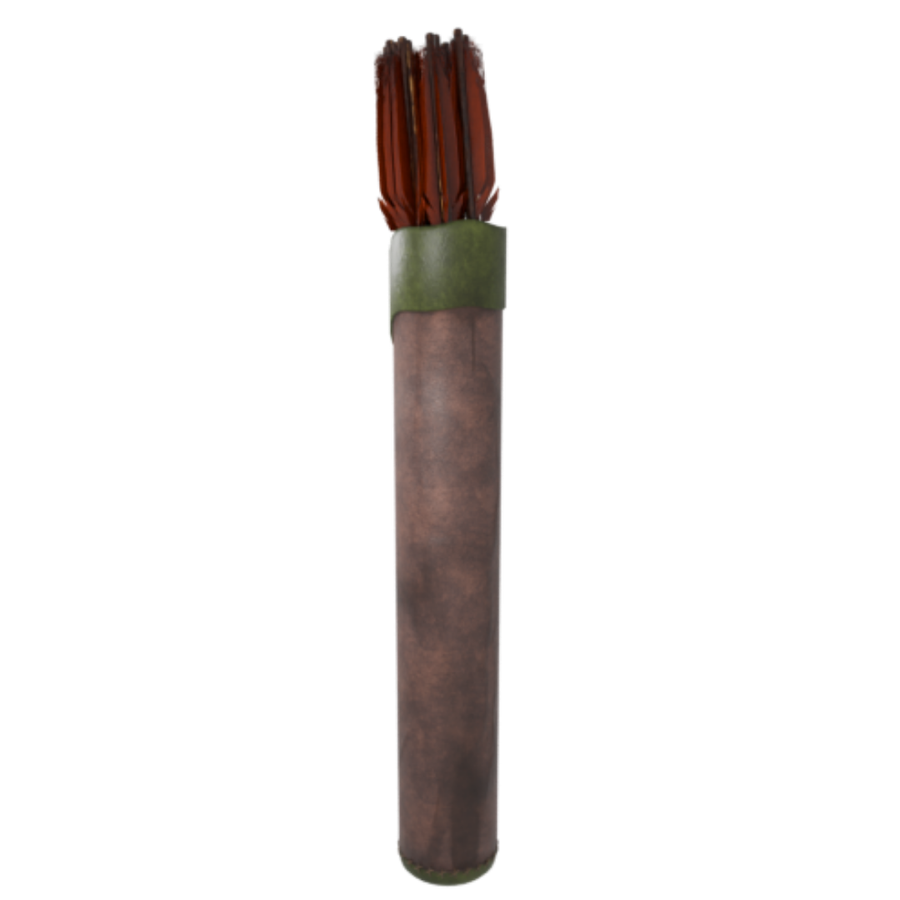
  • Range Quiver
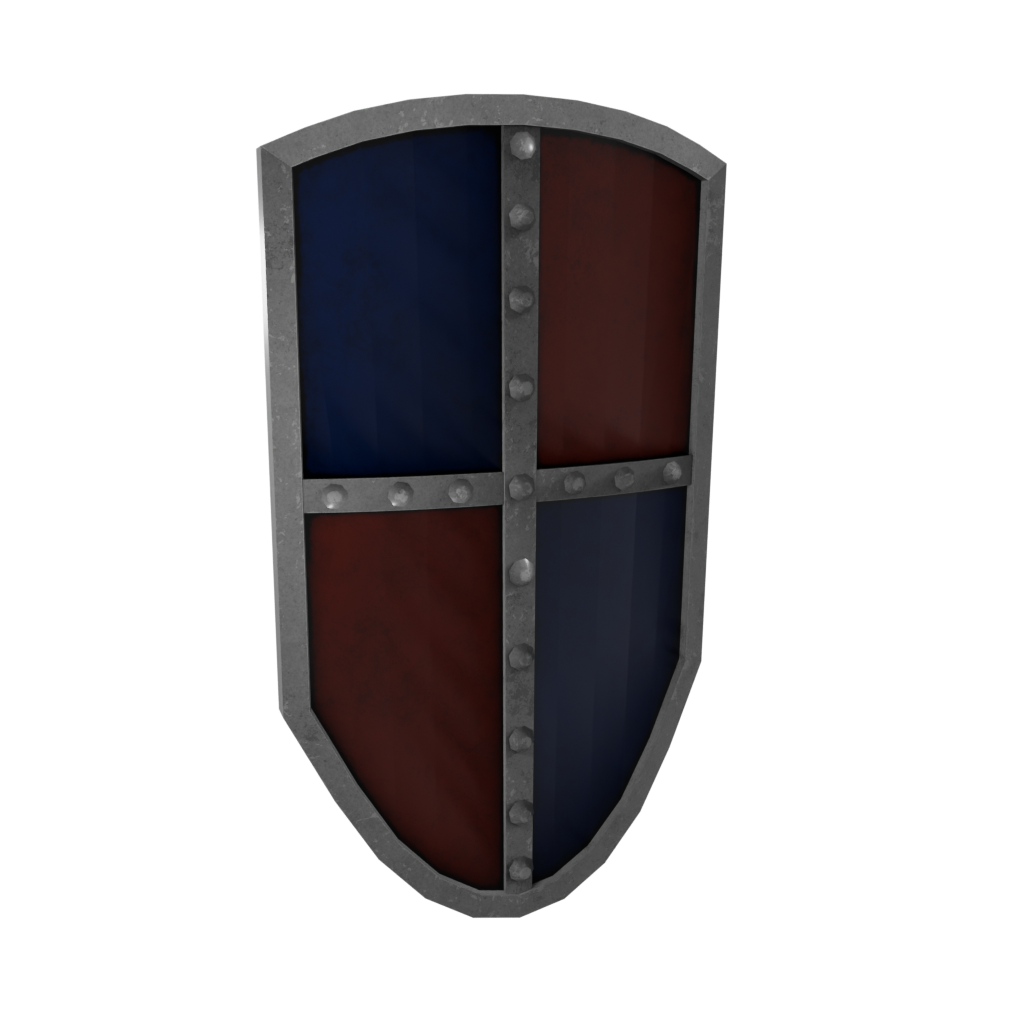
  • Heater Shield
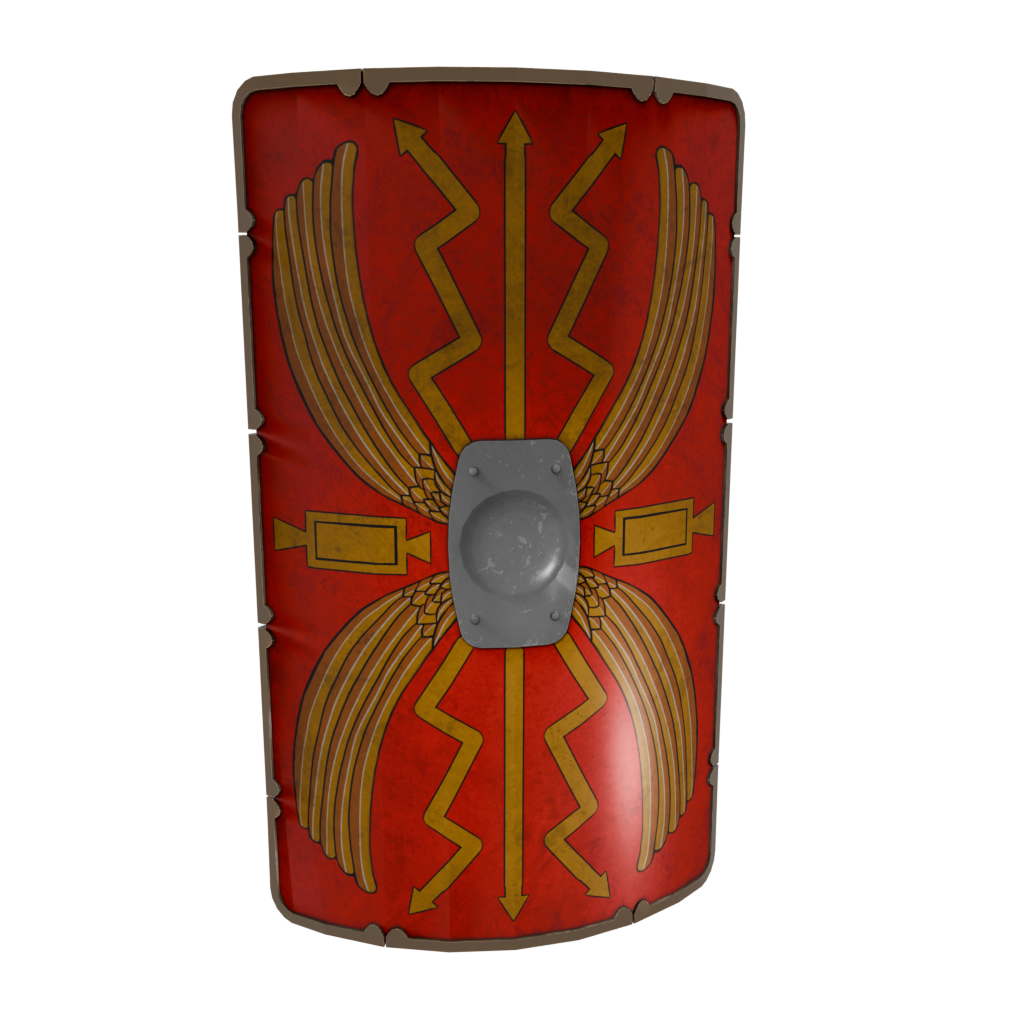
  • Roman Shield
Handheld Blades · Bows · Shields · Staves
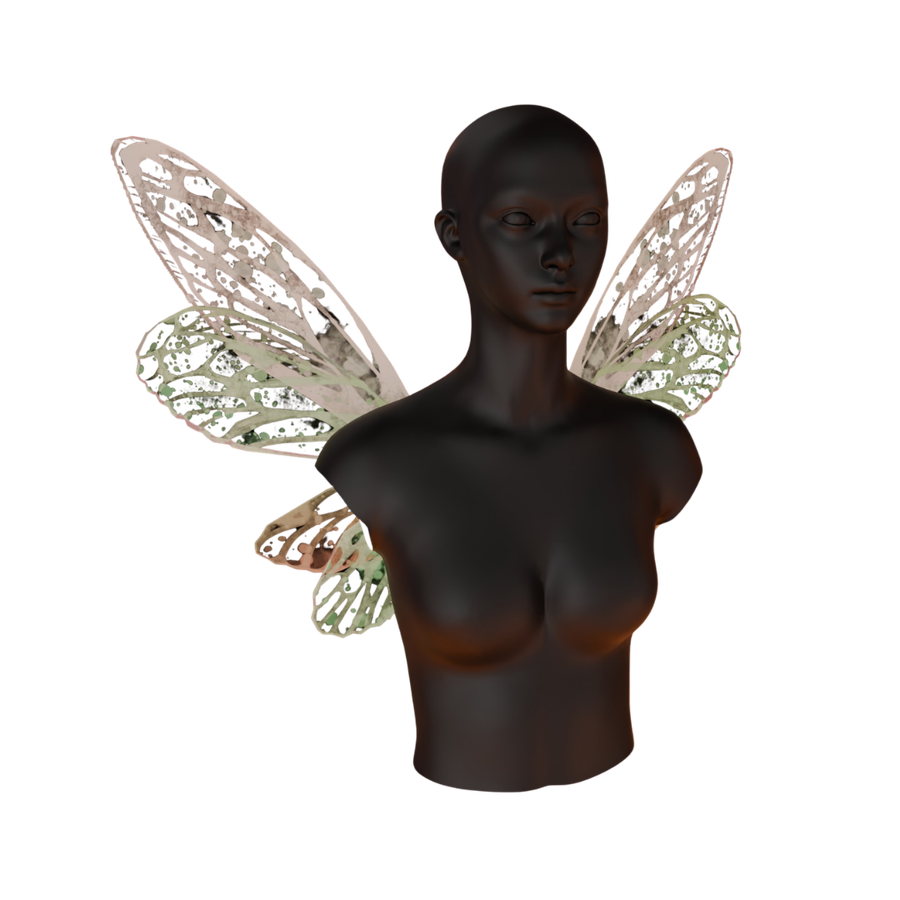
  • Fairy Wings
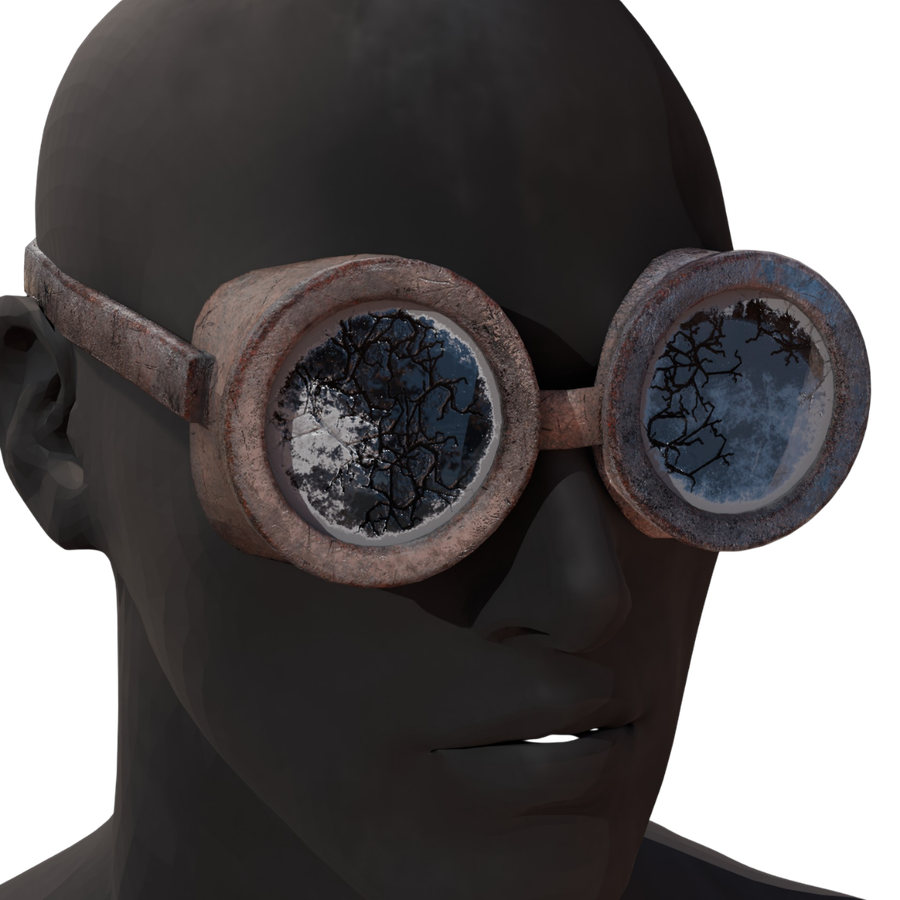
  • Steampunk Glasses
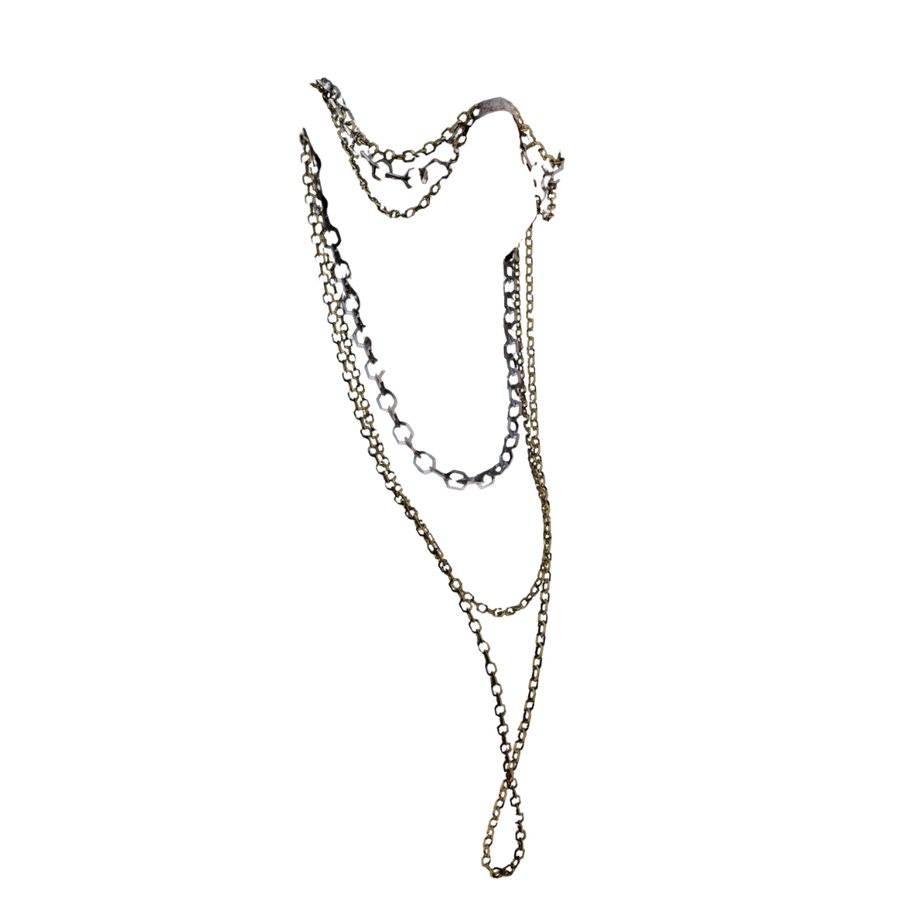
  • Herbalist Jewellery
Features Horns · Wings · Beards
Hand-crafted.✦No AI.
Custom Asset Uploader. Bring your own 2D assets into Faes AR today. 3D upload shipping soon. Included with Faes AR
Environments

Places you can be

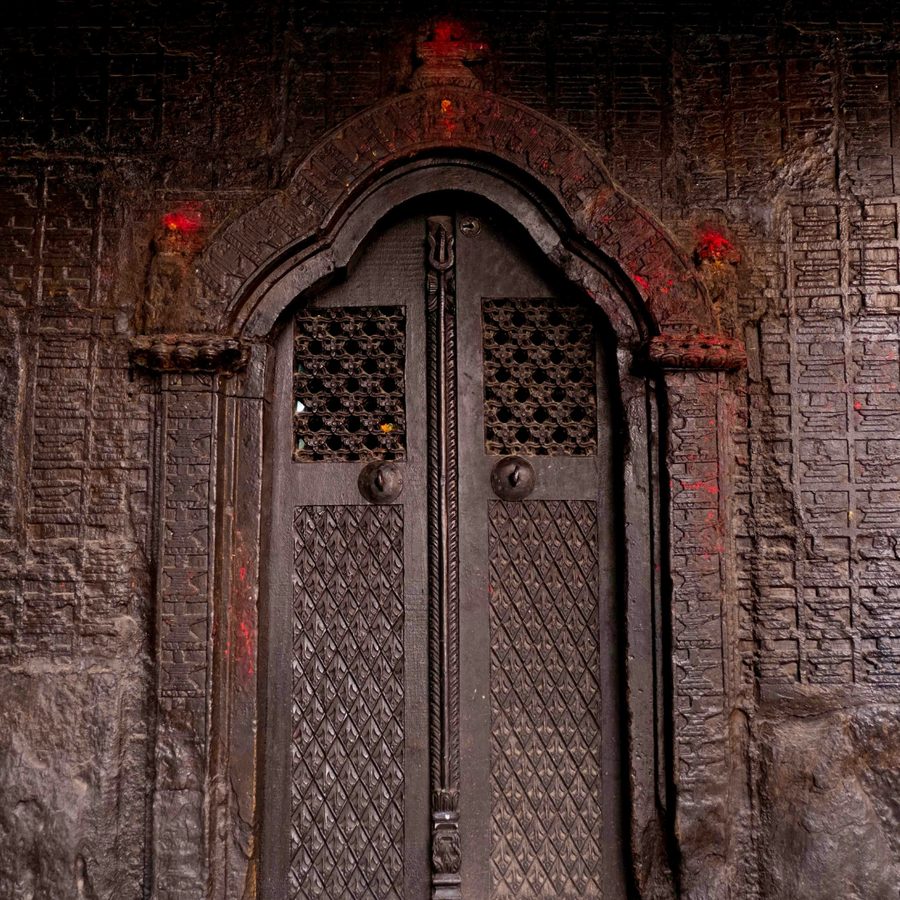
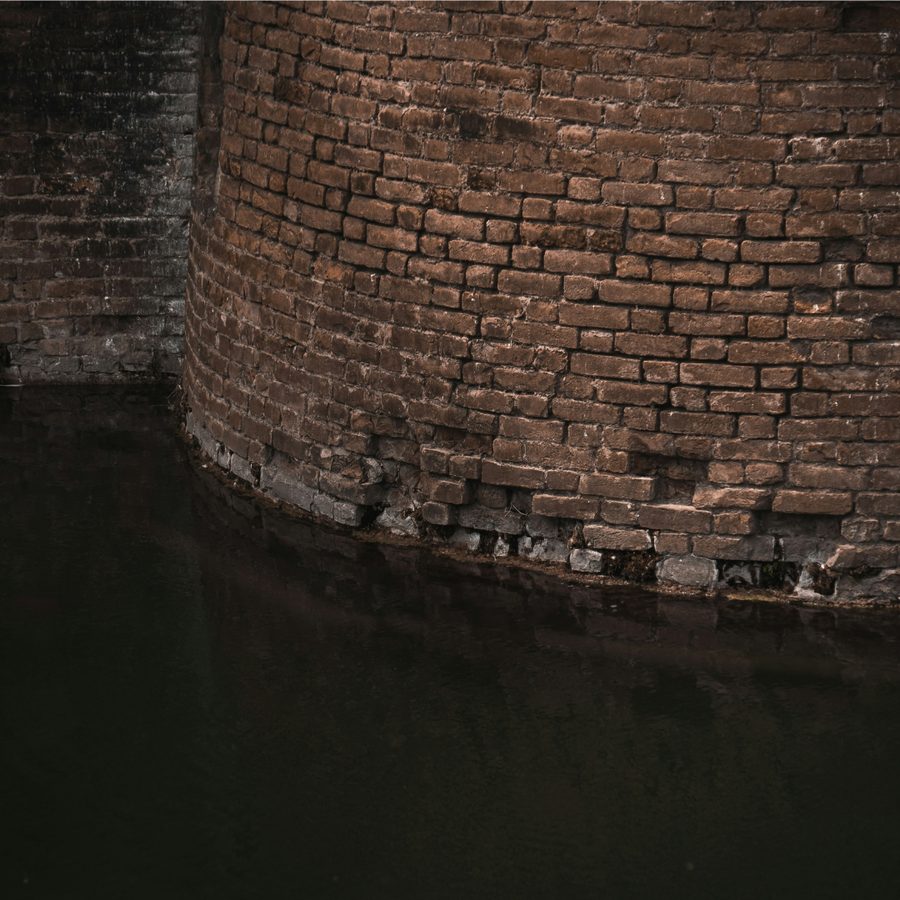
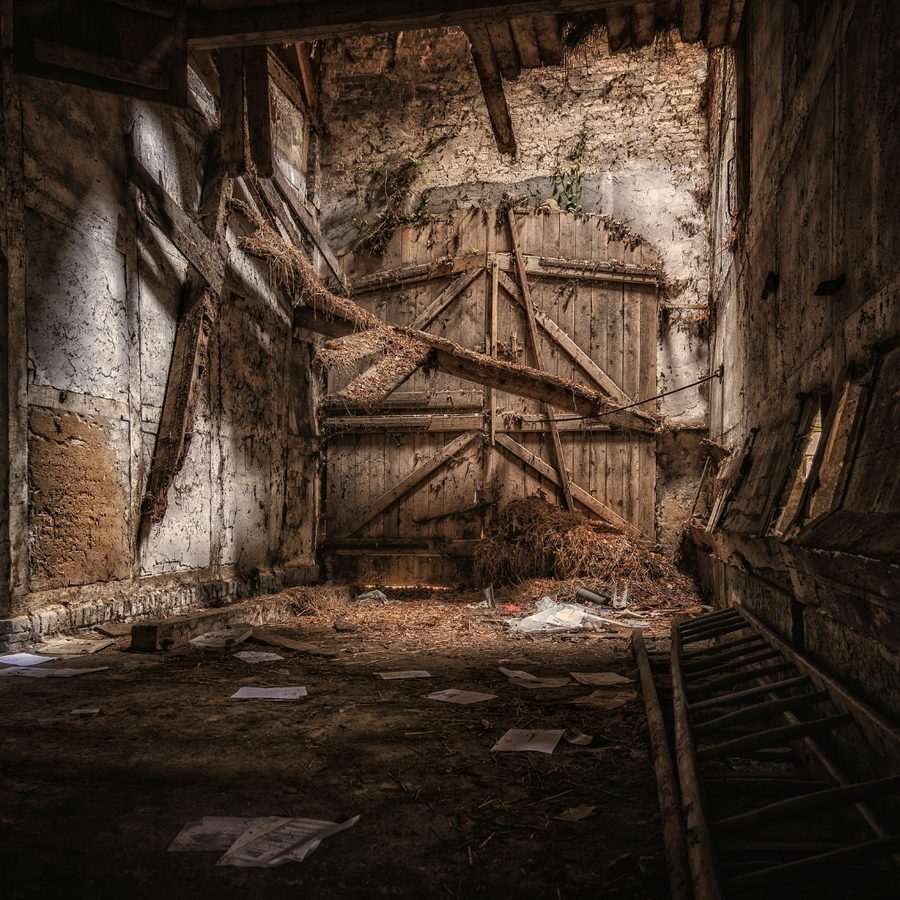
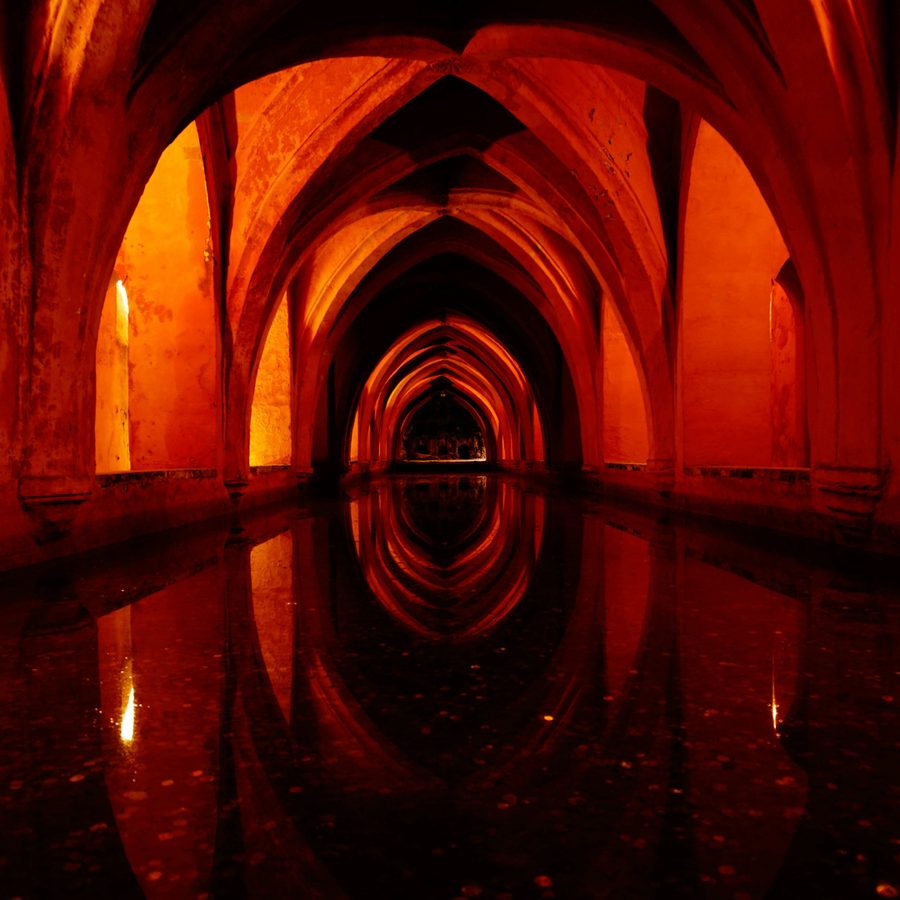
Pick a background from the app or upload your own. Drop into any world without leaving your room.
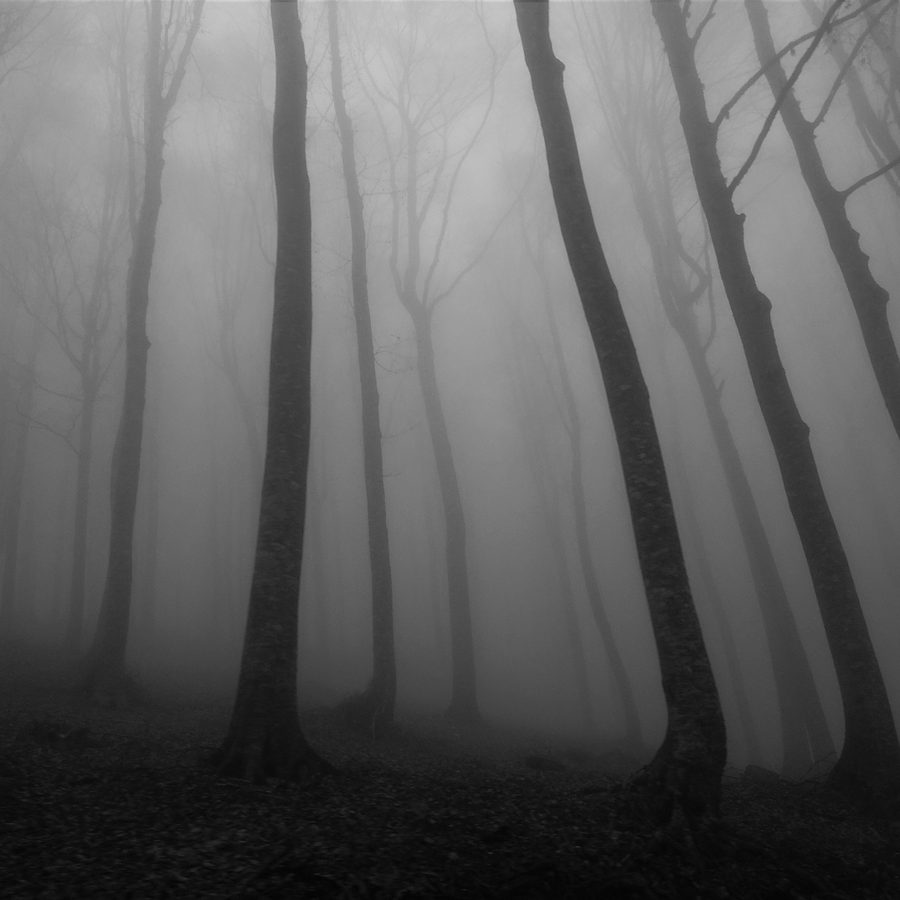
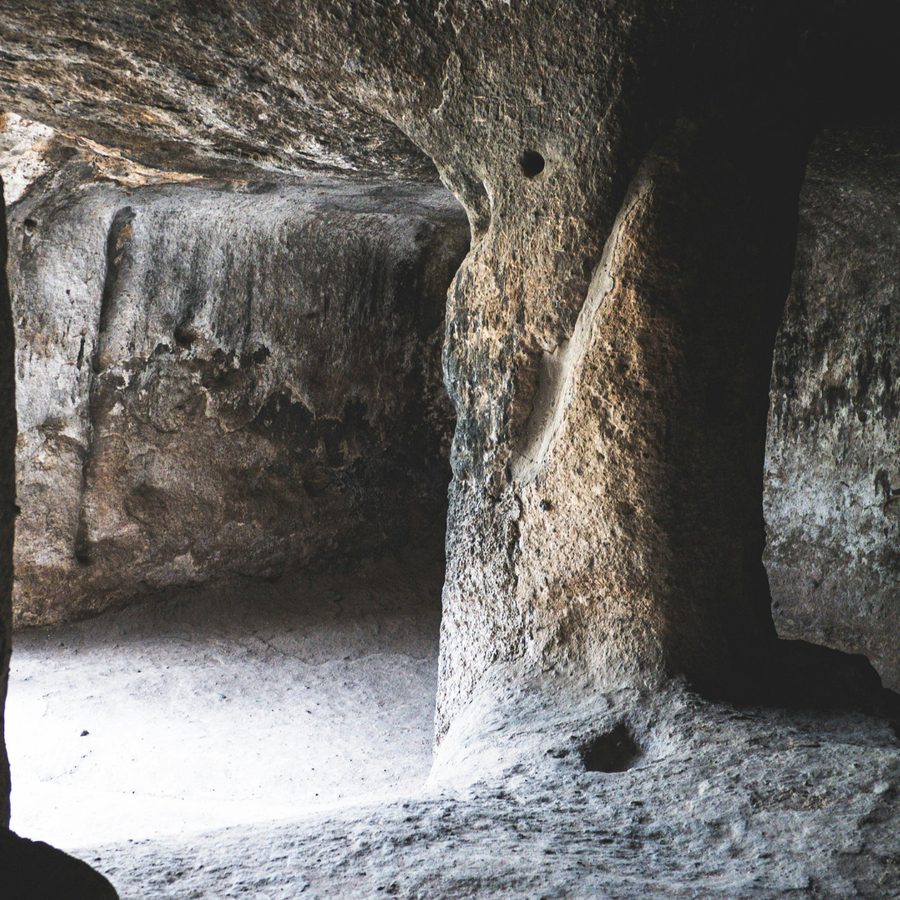
  • Mystical Forest
  • Ancient Entry
  • Blood Temple
  • Forest Edge
  • Lake Keep
  • Moat
  • Sealed Entrance
  • Temple of the Lizardmen
Backgrounds Temples · Keeps · Wilds
Post-Production, Live

Effects you can use

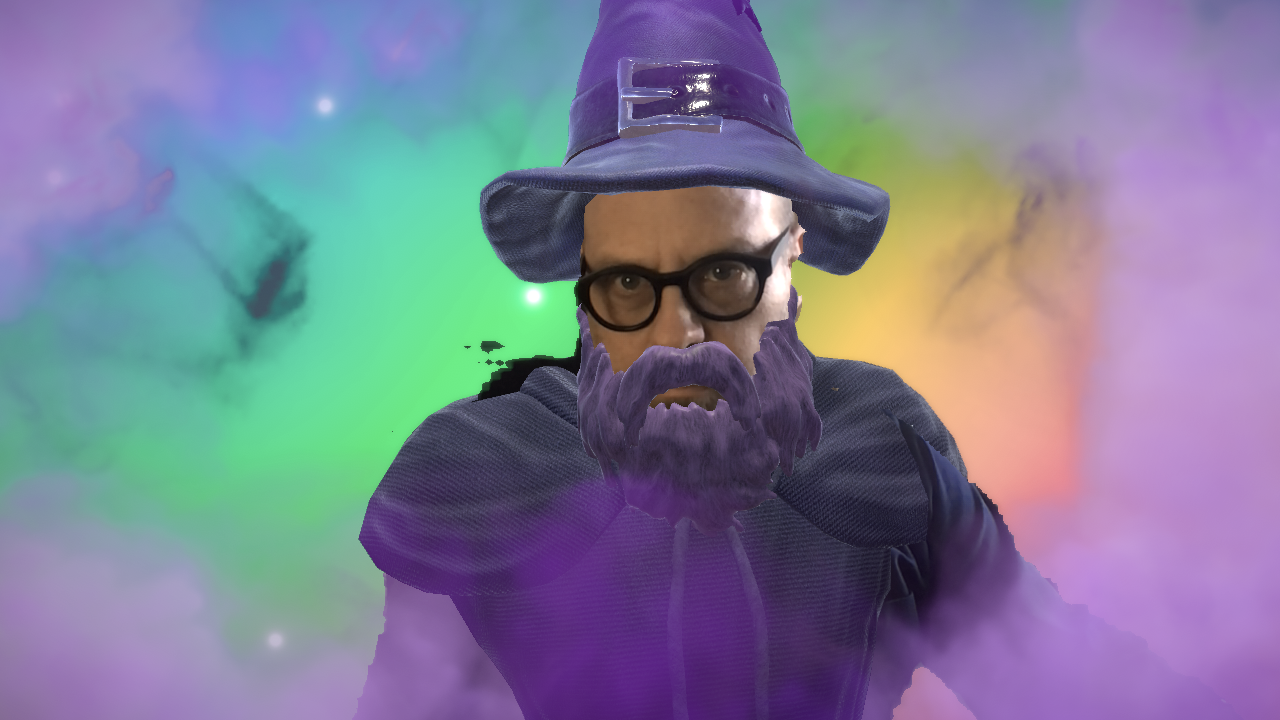
Spell impacts, environmental weather, and cinematic lighting, layered on your feed in real time.
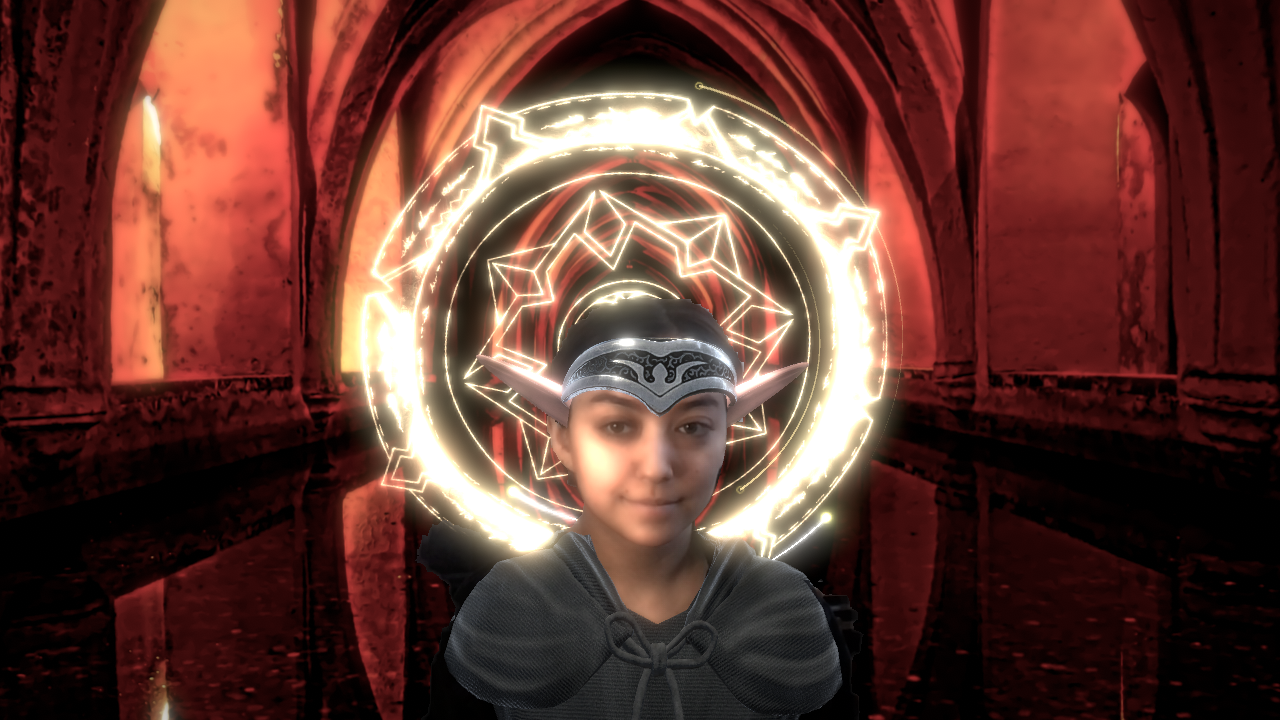
Elven Priestess spell effect
Post-Production Impact · Aura · Cast
Wizard environmental effects
Environmental Rain · Mist · Embers
Venetian mask with lighting effects
Lighting Torchlight · Moonglow
Setup In Four Steps

How does Faes AR work?

01 The Faes AR Download page, showing the Faes AR Installer with Windows and macOS installer buttons.

Download and launch

Go to the Download page, download the app, and launch the desktop app.

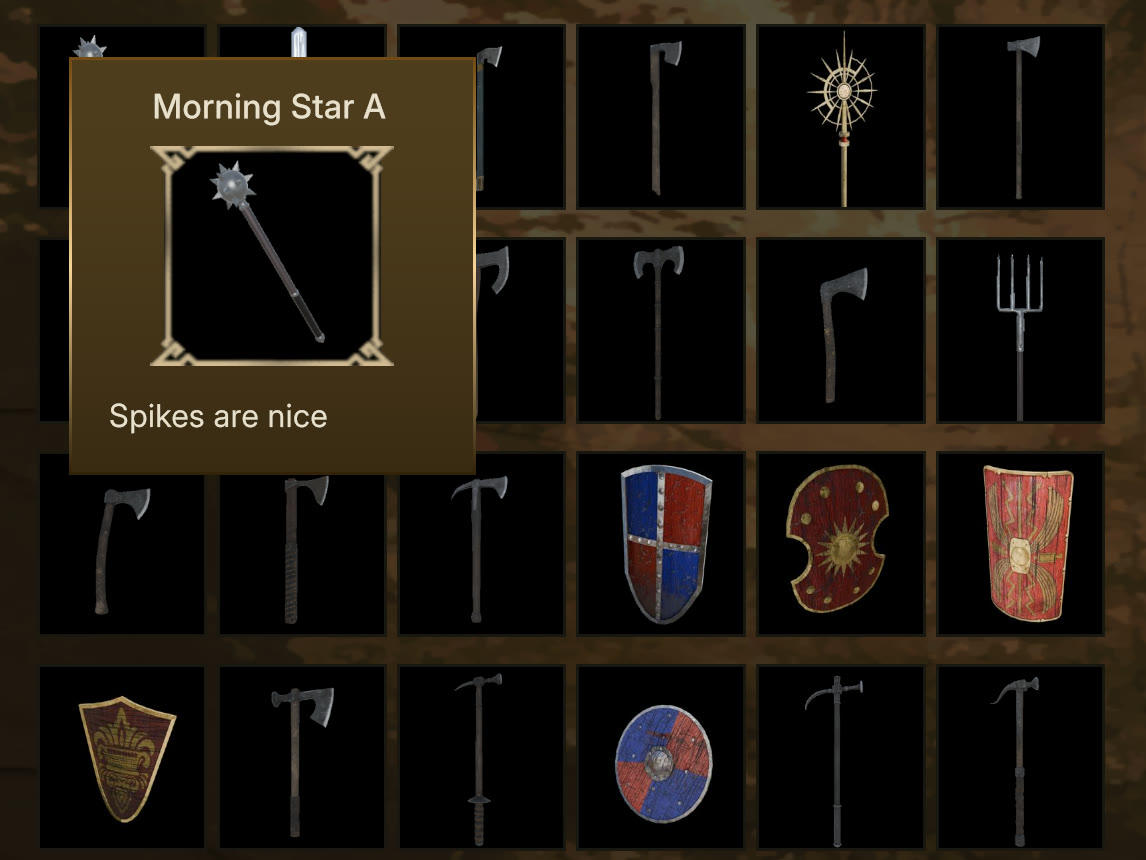
02 The Faes AR inventory: a grid of hand-crafted weapons and shields, with the Morning Star A item selected.

Select your assets

Choose from hundreds of outfits, armor, masks, effects, and backgrounds.
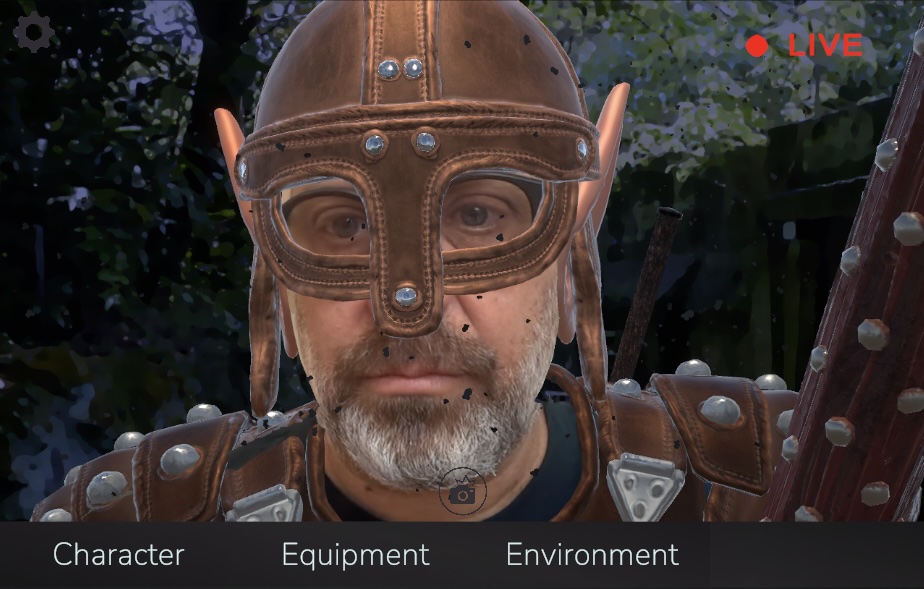
03 Saving a completed character look as a reusable preset in Faes AR, ready to load at the start of any TTRPG session.

Save your character

Lock in your look as a preset. Load it at the start of any session. No re-setup required.
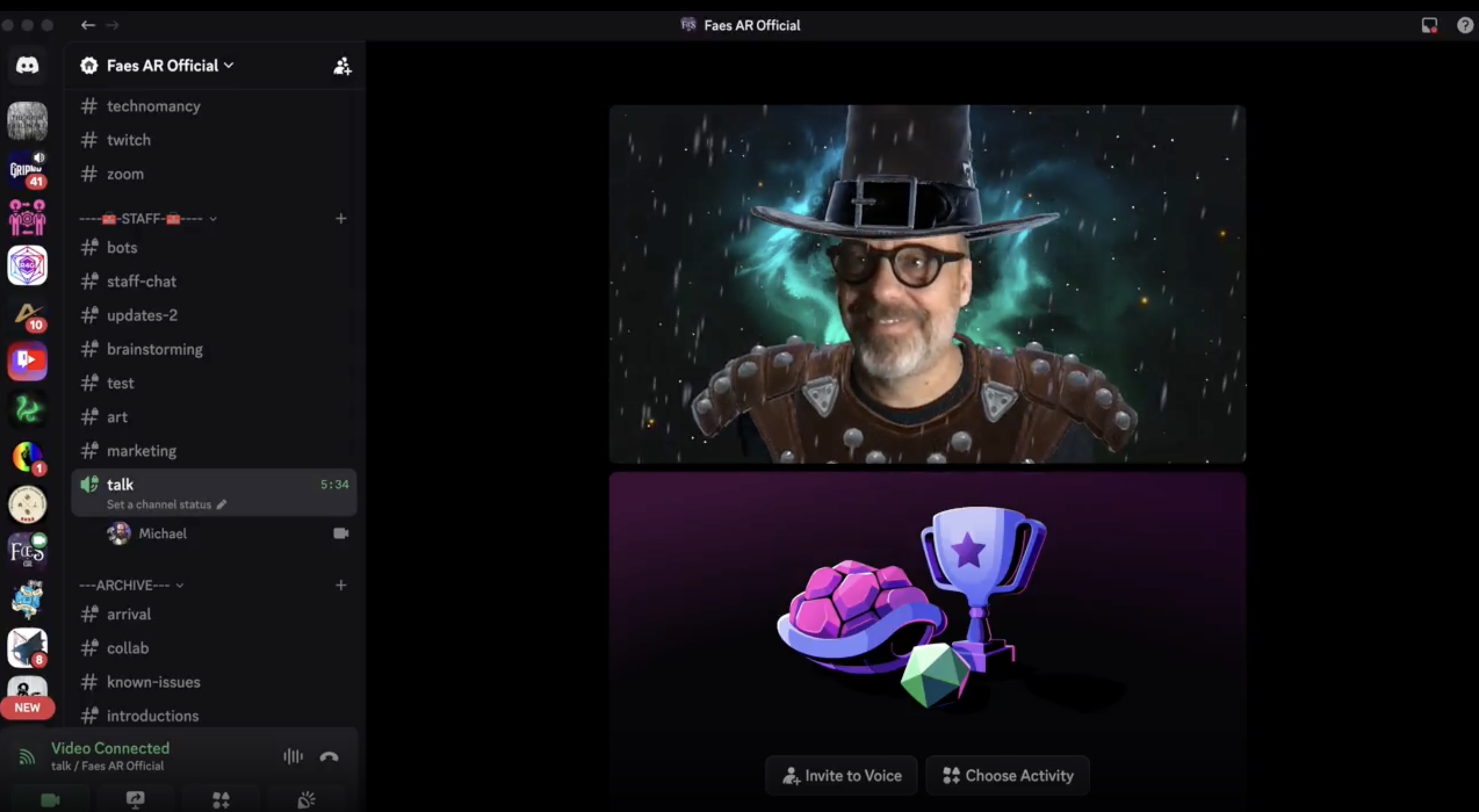
04 Faes AR outputting through the virtual camera into Discord, OBS, Zoom, and Google Meet. The character look is held live across the session.

Go live

Output through the virtual camera into Discord, OBS, Zoom, or any platform that accepts webcam input.

What Faes AR Is Not

How is Faes AR different from a VTuber avatar or an AI face filter?

A VTuber avatar replaces the performer with a fully animated character. The human disappears from the frame. Faes AR keeps the performer's face, expressions, and voice visible, and layers character elements over them.

AI face filters and generative tools regenerate identity frame by frame. Output drifts. Details shift between frames. Faes AR assets are authored once, by hand, and held across the session. What you set is what stays.

Compatibility

Works with the tools you already use.

Faes AR outputs through a virtual camera, which means any app that accepts a webcam feed accepts Faes AR. No plugins, no configuration on the platform side.

Runs onWindows 10+ · macOS 12+ · 8 GB RAM · Any Webcam. Tested on 2019-era laptops, no GPU required.
Discord
OBS
Zoom
Google Meet
Twitch
+ Any webcam app
From Live Sessions

From live sessions.

“

I use Faes AR everyday as a pro GM.

L
Los Arkos
Pro GM · Discord
“

Streamed my first game this evening using your program. Worked flawlessly and was so much fun.

G
Gabe · ArcAnvil
GM · Discord
“

It was my 1st paid gig, 1st time playing on camera. Their first comment was 'dude takes it seriously.'

A
Anchor89
Pro GM · Discord
Pricing

One tool. One price. Yours for good.

Faes AR is the desktop tool for GMs and performers running live sessions. Faes AR Free and Faes AR Publisher will extend the ecosystem around it. Neither replaces Faes AR.

Available Now
Faes AR
For GMs, Streamers, and Performers
$50
One-Time · No Subscription
  • Full desktop app, all current assets
  • Hundreds of hand-crafted fantasy items
  • Campaign and NPC preset management
  • Virtual camera output for every platform
  • All future updates included
  • No AI-generated assets.
  • Custom 2D asset uploader
  • Playable offline
Coming to Faes AR · included in your license
  • 3D custom asset uploader
Early access pricing on Gumroad Get Faes AR · $50
Also on the Roadmap
Faes AR Free Coming soon · Desktop & Mobile Built for players: a small set of starter assets and a marketplace for the pieces you want. Join any table in character, at no cost.
Faes AR Publisher Coming soon · Desktop app for creators An app for artists and IP holders to sell hand-crafted assets directly to Faes AR users through the marketplace. Creators set their prices and manage their listings. Your table gets more worlds, characters, and gear to build with.

Build your cast once. Bring them back every session. Faes AR is $50, one time: hundreds of hand-crafted assets, campaign and NPC presets, your own 2D uploads, and future updates included.